

Table of Content
I have lost count of how many reels I meant to save and then could never find again. A cooking clip with the exact sear I wanted to copy. A two line hook I wanted to study before writing my own. A friend's travel reel I wanted offline for a long flight. Instagram's own Save button felt like it should solve all of this, right up until the plane switched to airplane mode and the saved reel simply refused to play.
That gap is the whole reason an Instagram reel downloader exists. Over the past few weeks I stopped skimming landing pages and actually used a handful of these tools the way a normal person would: paste a link, wait a second, check the file. This guide is what I learned. How the good ones pull a clean MP4, what quality you can realistically expect, where they quietly fall short, and how to keep yourself on the right side of copyright while you do it. No invented numbers, no filler, just the workflow I now trust.
The short version • What it is: a browser tool that turns a public reel link into a downloadable MP4 saved straight to your phone or computer. • Best for: saving your own content, building a private reference library, and cross posting to Shorts or TikTok. • Quality to expect: whatever the creator uploaded, commonly 720p up to 1080x1920 vertical, with the original audio intact. • The catch: public reels only, and the copyright of anything you did not make stays with its creator. |
What an Instagram reel downloader actually does
Strip away the marketing and the job is simple. You give the tool a reel URL, it reads the address, resolves the actual video file that Instagram serves from its content delivery network, and hands that file back to you. No screen recording, no cropping out the interface, no loss from re recording your own screen.
It matters because the app's built in Save button does something different. Saving a reel tucks it into a private collection inside Instagram, but that copy still needs an internet connection to play, cannot be exported, and disappears the moment your account is locked or the creator deletes the post. A downloader gives you an independent file that lives on your device and keeps working offline.
Most tools accept the three link shapes Instagram uses: /reel/, /reels/ and /p/ for reels shared as posts. The one hard rule across every legitimate tool I tried: the content has to be public. Private accounts are off limits, and any site claiming to bypass that is a site to close immediately.
The four step workflow, start to finish
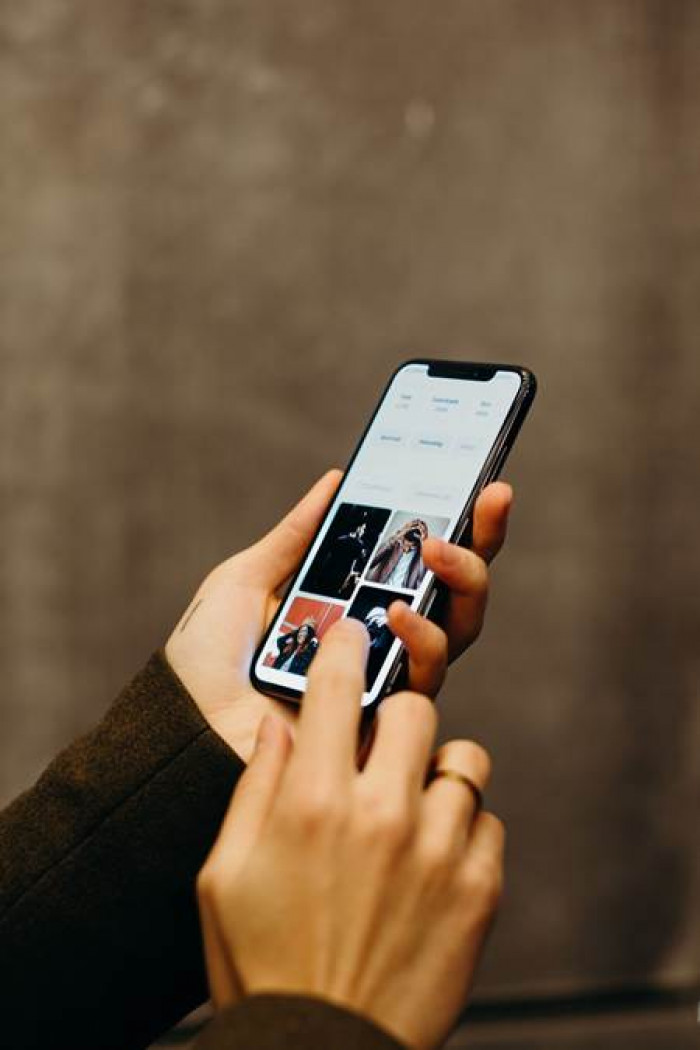
Every reputable downloader I used followed the same short path. The only real variable was how many ads sat between me and the download button.
| Step | What you do | What to watch for |
|---|---|---|
| 1 | Copy the reel link | In the app, tap the three dots or the share arrow and choose Copy Link. On desktop, copy the URL straight from the browser bar. A screenshot or shared text snippet will not work. |
| 2 | Paste it into the downloader | Drop the link in the field and let the tool fetch it. If it stalls, the reel is probably private, deleted, or region limited rather than the tool being broken. |
| 3 | Pick the quality | Do not just hit the first button. Look for an explicit quality selector and choose the highest resolution offered before you save. |
| 4 | Save the MP4 | The file downloads to your device. On iPhone you may need to move it from Files into Photos so it lands in your camera roll. |
In-app Save versus a real download
This is the comparison that finally made me stop relying on the Save button. Both keep a reel, but only one gives you a file you own.
| What you care about | Instagram Save button | Reel downloader |
|---|---|---|
| Plays with no internet | No, needs a connection | Yes, fully offline |
| Gives you an exportable file | No | Yes, an MP4 |
| Typical resolution | As shown in app | Up to 1080x1920 vertical |
| Original audio | Kept | Kept at full bitrate |
| Watermark added | None | None (Instagram does not bake one in) |
| Survives an account lock | No | Yes, file is on your device |
One nice surprise worth calling out: unlike TikTok, Instagram does not stamp a username watermark onto reels, so the source MP4 comes out clean. That is exactly why creators lean on downloaders when they cross post, since no rival logo sits in the corner of the frame.
Why people actually download reels
The tools get lumped in with piracy, but the everyday reasons are far more ordinary. These were the four I ran into most, in my own use and in what people around me asked for.
Repurpose your own work You made the reel, so the clean file is yours to reuse in a highlight cut, a client recap, or a Shorts upload without re recording your screen. | Study the hooks that work Marketers and creators save winning reels to break down the first three seconds, the pacing, and the caption structure at their own speed. |
Keep a personal archive A reel you love can vanish if the creator deletes it or the algorithm buries it. A saved file is a memory you actually get to keep. | Cross post cleanly Because Instagram reels carry no baked in watermark, the file drops neatly onto TikTok, YouTube Shorts, or your portfolio. |
On the days I needed more than reels, I kept one all rounder open that also grabs photos and stories, not just video. The one I reached for was indownio, and I broke down that full workflow in a separate hands on review. When I only wanted to preview a public account first, before deciding what was even worth saving, an anonymous viewer such as AnonyIG let me look without logging in. Reels and stories are not the same job either. A story vanishes in twenty four hours, so for those I switched to a dedicated tool like InSnoop rather than forcing a reel downloader to do work it was never built for.

Is it legal, and is it safe?
This is the part most guides wave away, and it is the part that actually matters. The honest answer has two halves: copyright and personal safety. Neither is complicated once you see it plainly.
On copyright: downloading a public reel for private, personal use is generally treated as acceptable in many places. Redistributing it, or using it commercially, without the creator's permission is where you cross into infringement. There is a second layer people forget, which is the music. The audio in a reel often carries its own separate copyright held by an artist or label, so a video you technically filmed can still contain a soundtrack you have no license to republish. Instagram's own terms of service also restrict unauthorized downloading of content, and creators do issue takedown notices when their work shows up reposted without credit.
So the workable rule I settled on is boring but safe: save what you want for yourself, get permission before you publish anyone else's reel, and never assume the song travels with the license.
| Reasonable to do | Asking for trouble |
|---|---|
| Save your own reels and archive them | Reposting someone's reel as if it were yours |
| Keep a private reference library to study | Using a downloaded clip in a paid ad without a license |
| Download with the creator's clear permission | Assuming the background music is free to reuse |
| Cross post your own content to other platforms | Trying to pull reels from private accounts |
On safety, the risk is rarely the download itself and almost always the site you use for it. The tools worth trusting never ask you to log into Instagram, never push a desktop app you have to install, and do not bury the real button under a wall of fake download prompts. If a site demands your Instagram password, walk away. Handing credentials to a third party is the single fastest way to get an account suspended or stolen.
A quick trust checklist for any reel downloader • No login required. You should never enter your Instagram password. • Nothing to install. It runs in the browser on mobile and desktop. • Honest about public only. It does not promise to unlock private accounts. • Real HD option. You can pick the resolution instead of taking a compressed default. • No added watermark. The output is a clean MP4, not a branded one. |
Who gets the most out of one
After living with these tools for a while, the people who benefit most were fairly predictable, and it was not the folks trying to game anyone.
• Creators and editors who need clean masters of their own reels for highlight cuts and multi platform posting.
• Social media managers who archive campaign content and study the format of reels that outperform.
• Educators and researchers who save public clips for offline reference in a class or a talk.
• Everyday users who just want a favorite reel saved for a flight, a road trip, or a keepsake.
My verdict after actually using them
Here is where I landed after enough real use to have opinions rather than impressions. A good Instagram reel downloader is not glamorous, and it should not try to be. The best sessions were the ones I barely remember, because the tool did exactly one thing well: it took a link and gave me back a clean file in a couple of seconds. When I pasted a 1080p vertical reel I had made, the download came back at the same resolution with the audio perfectly in sync, and that reliability is the entire point.
The friction, when it showed up, was never about the download. It was the surrounding experience. Some sites drown the real button in decoy ads, a few choked on longer reels the first time before working on a retry, and every one of them is only as good as the link you feed it, since a private or deleted post will stop the whole thing cold. None of that is a dealbreaker once you know what you are looking at.
| What I liked | What to keep in mind |
|---|---|
| Clean MP4, no watermark, original audio | You inherit the copyright duty for anyone else's work |
| Fast, no login, works in any browser | Public reels only, private accounts stay closed |
| Quality matches what the creator uploaded | Some sites hide the real button behind ads |
| Great for cross posting your own content | Longer reels can need a second attempt |
Would I keep one in my toolkit? Yes, without hesitation, but with a clear head about it. I use a downloader the way I use a good pair of scissors: constantly, for small honest jobs, and never as an excuse to take something that is not mine. If you treat it as a way to own your own work and to learn from the reels you admire, an Instagram reel downloader earns its place. If you are hoping it will let you quietly lift other people's videos and pass them off as your own, no tool is going to make that part okay. Save what is yours, ask before you borrow, and the rest is just a link and a few seconds.