

Table of Content
Pika AI helped popularize text-to-video, but many creators are now looking elsewhere. Common reasons include short video limits, inconsistent realism, limited editing control, rising prices, and difficulty creating longer or cinematic scenes. In 2026, AI video tools have matured fast and several now outperform Pika AI in specific creator workflows.
Instead of asking “Which AI video tool is best?”, the better question is:
“Which AI video tool is best for my type of content?”
Let’s break it down.
Best AI Tools for Text-to-Video Generation
Runway (Gen-3 Models)
What it is (simple explanation):
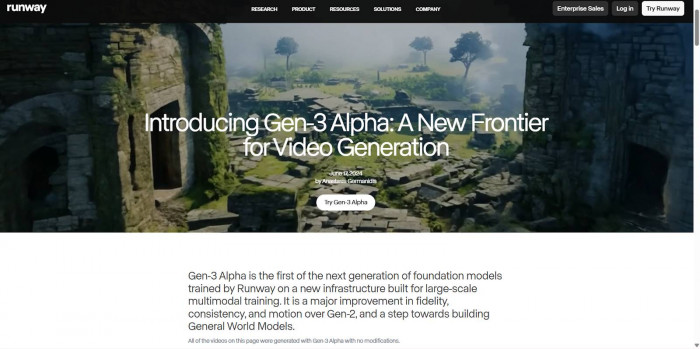
Runway lets you type a prompt (like a mini script) and turns it into short video clips. You can also upload images or videos and transform them with AI. Runway (Gen-3 Models)
Key features vs Pika AI
- More consistent motion and object behavior
- Strong prompt-to-scene accuracy
- Timeline-style editing tools
- Better control over camera movement
Strengths
Runway offers a strong balance between output quality and usability, making it one of the most accessible tools for creators entering text-to-video. The platform handles motion and scene consistency better than many competitors, which helps maintain visual coherence across clips. It also supports a more structured editing workflow with timeline-style controls, allowing users to refine outputs instead of relying purely on prompts. This makes it especially effective for storytelling and concept-driven videos.
Weaknesses
Despite its strengths, Runway still generates videos in shorter segments, which means creators need to stitch clips together to produce longer content. Rendering times can also increase during peak usage, which may slow down workflows for users working on tight deadlines.
Pricing
- Free: Limited credits
- Paid: $12 – $35/month (Standard to Pro tiers)
- Enterprise: Custom pricing
Best for
- YouTubers
- Indie creators
- Educators
- Beginners who want clean results fast
Luma AI (Dream Machine)
What it is:
Luma focuses on turning text into visually smooth, realistic scenes, especially environments and camera movement. Luma AI
Key features vs Pika AI
- Superior 3D-like camera motion
- Strong physics and depth perception
- Better landscape and cinematic shots
Strengths
Luma AI stands out for its ability to generate visually smooth scenes with strong depth perception and realistic camera motion. The platform excels at creating cinematic environments, particularly landscapes and atmospheric visuals, making it highly suitable for mood-driven content and B-roll sequences.
Weaknesses
The tool is less effective when it comes to character-focused scenes, as human subjects and interactions are not as refined as environmental visuals. It also lacks granular editing controls, which limits the ability to fine-tune outputs beyond the initial prompt.
Pricing
- Free: Limited generations
- Paid: ~$10 – $30/month (estimated tiers as rollout expands)
- Some features are still in early access / evolving pricing
Best for
- Filmmakers
- Visual storytellers
- Music video creators
Best AI Tools for Realistic, Cinematic Videos
Kling AI

What it is:
Kling is designed for hyper-realistic human movement, lighting, and facial expressions. Kling AI
Key features vs Pika AI
- More lifelike humans
- Longer, more coherent scenes
- Strong cinematic lighting
Strengths
Kling AI delivers some of the most realistic human motion and facial expression rendering available in 2026. Its ability to maintain lighting consistency and scene continuity makes it particularly effective for cinematic storytelling and high-end visual production.
Weaknesses
The platform can be slower in rendering compared to lighter tools, which may impact productivity for frequent use. Additionally, availability is still restricted in some regions, limiting access for a broader creator base.
Pricing
- No true free tier (limited trials occasionally)
- Paid (credits-based): $10 – $50/month equivalent usage
- Enterprise / high usage: Custom pricing
Best for
- Short films
- Ads
- High-end visual storytelling
OpenAI (Sora)
What it is:
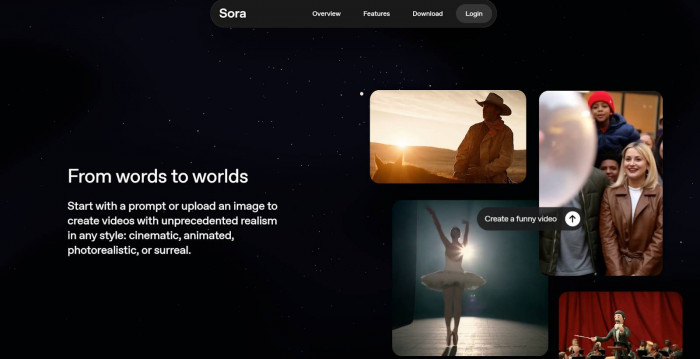
Sora generates longer, story-driven videos from detailed text prompts. OpenAI(Sora)
Key features vs Pika AI
- Much longer video duration
- Strong narrative understanding
- Realistic world simulation
Strengths
Sora represents a major step forward in AI video generation by producing longer, narrative-driven scenes with strong contextual understanding. It handles complex prompts effectively and maintains coherence across extended sequences, making it one of the most advanced tools for cinematic storytelling.
Weaknesses
Access to Sora remains limited, and its pricing places it out of reach for many individual creators. It is also not yet widely available for general use, which restricts experimentation and adoption.
Pricing
- Not fully public pricing
- Estimated (based on industry positioning): $50 – $200+/month (professional tier access)
- Likely usage-based for large-scale generation
Best for
- Film studios
- Agencies
- High-budget creators
Best AI Tools for Social Media Short Videos
Kaiber
What it is:
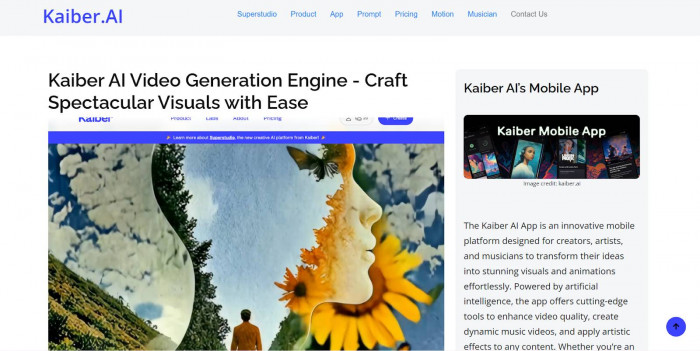
Kaiber turns music, images, or prompts into animated short videos optimized for TikTok, Reels, and Shorts. Kaiber
Key features vs Pika AI
- Beat-synced animations
- Style presets for fast creation
- Vertical-first formats
Strengths
Kaiber is designed for speed and simplicity, allowing creators to quickly generate visually engaging short-form videos. Its music-synced animations and preset styles make it especially useful for social media content where rapid output and visual appeal are more important than realism.
Weaknesses
The platform prioritizes style over realism, which means outputs may lack depth and narrative coherence. It is also less suited for longer or story-driven content, as its capabilities are optimized for short-form formats.
Pricing
- Free trial available
- Paid plans: $5 – $25/month
- Higher tiers for faster rendering and longer videos
Best for
- Social media creators
- Musicians
- Influencers
InVideo (AI Version)
What it is:
InVideo converts scripts into short, captioned videos using stock footage and AI visuals. InVideo (AI Version)
Key features vs Pika AI
- Auto captions
- Stock + AI hybrid videos
- Fast export
Strengths
InVideo is highly beginner-friendly and simplifies video creation by combining AI generation with stock media. It automates captions, structure, and scene generation, making it particularly effective for marketing content and faceless video channels.
Weaknesses
The platform offers limited creative control compared to more advanced AI video tools. It also does not deliver cinematic-level outputs, which may be a limitation for creators aiming for high-end visual storytelling.
Pricing
- Free: With watermark
- Paid: $20 – $48/month
- Business plans available for teams
Best for
- Marketers
- Small businesses
- Faceless content channels
Best AI Tools for Avatar & Talking Head Videos
HeyGen
What it is:
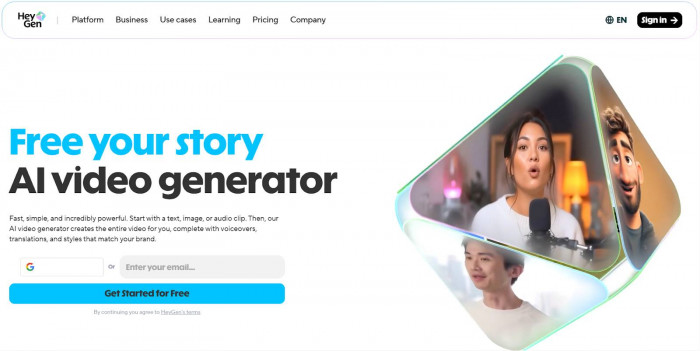
HeyGen creates realistic talking avatars from text or uploaded voice. HeyGen
Key features vs Pika AI
- Human-like lip sync
- Multi-language support
- Custom avatars
Strengths
HeyGen provides one of the easiest ways to create professional-looking talking head videos with realistic lip sync and multilingual support. The platform is efficient and reliable, making it ideal for business communication, training, and educational content.
Weaknesses
Its functionality is focused on avatar-based videos, which means it is not suitable for cinematic storytelling or creative visual projects. The range of visual styles is also relatively limited compared to broader video generation tools.
Pricing
- Starter: $29/month
- Creator/Pro: $49 – $89/month
- Enterprise: Custom pricing
Best for
- Educators
- Corporate training
- Sales videos
Synthesia
What it is:
Synthesia focuses on professional AI presenters for business content. Synthesia
Key features vs Pika AI
- Studio-quality avatars
- Brand customization
- Enterprise features
Strengths
Synthesia delivers highly polished and consistent results, especially for enterprise use cases. Its avatars are well-designed, and the platform integrates smoothly into corporate workflows, making it a reliable choice for professional video production.
Weaknesses
The platform is relatively expensive, particularly for smaller teams or individual creators. It also prioritizes structured content over creative flexibility, which limits its use for artistic or experimental projects.
Pricing
- Starter: $30/month
- Creator/Business: $90 – $200/month
- Enterprise: Custom pricing
Best for
- Enterprises
- HR teams
- Internal communications
Best Free or Budget-Friendly Pika AI Alternatives
CapCut (AI Features)
What it is:
CapCut combines traditional editing with AI-generated visuals, captions, and effects. CapCut (AI Features)
Strengths
CapCut offers a powerful combination of traditional editing tools and AI features within a free and mobile-friendly environment. It is highly accessible and works well for short-form content, especially for platforms like TikTok and Instagram.
Weaknesses
While CapCut includes AI features, it is not a dedicated text-to-video platform, which limits its capabilities in generating fully AI-driven scenes. It also lacks advanced cinematic controls found in specialized tools.
Pricing
- Free version available
- Pro subscription: $7 – $15/month
Best for
- Beginners
- TikTok creators
- Budget-conscious users
Stable Diffusion (Video Extensions)
What it is:
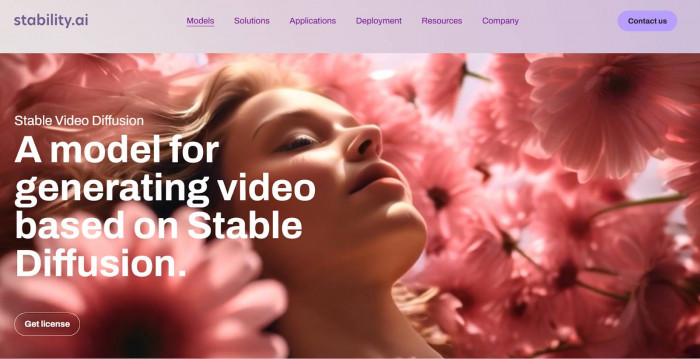
Open-source AI models that can generate video frames locally with the right setup. Stable Diffusion (Video Extension)
Strengths
Stable Diffusion provides unmatched flexibility and customization for users willing to invest time in setup. Being open-source, it allows creators to experiment freely and build highly personalized workflows without subscription costs.
Weaknesses
The platform has a steep learning curve and requires technical knowledge to use effectively. It also demands powerful hardware or cloud resources, which can increase costs and complexity for non-technical users.
Pricing
- Software: Free (open-source)
- Costs involved: GPU / cloud usage: $10 – $100+/month, depending on usage
Best for
- Technical creators
- Experimenters
- Indie developers
Final Thoughts: The Future of AI Video Generation
By 2026, AI video generation is no longer about novelty it’s about control, consistency, and storytelling. We’re moving toward tools that:
- Generate longer, coherent scenes
- Allow real editing, not just prompting
- Blend AI generation with human creativity
- Adapt content automatically for different platforms
Pika AI helped start the wave, but the future belongs to specialized tools built for specific creator goals. Choosing the right alternative isn’t about hype; it’s about matching the AI to how you create.
If you want, I can also:
- Recommend the best tool based on your content type
- Create a decision flowchart
- Compare Pika AI vs one specific alternative side by side