

Table of Content
AT A GLANCE
| Cost | Free, supported by on-page ads |
| Account | None. No Instagram login or signup on your end |
| Works with | Public accounts only. Private profiles are off limits |
| Content | Stories and highlights, plus some posts, reels, and profile pictures |
| Download | Yes, saves stories to your device when they load |
| Devices | Any browser on phone, tablet, or desktop |
| Anonymity | Claimed, but disputed by some real user reports |
What InSnoop actually is
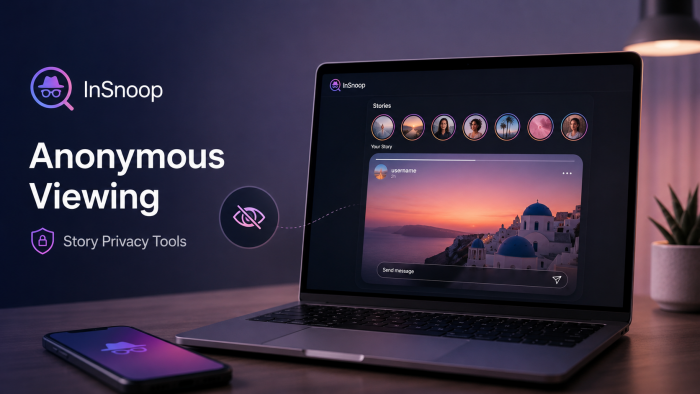
InSnoop is a free, browser-based Instagram story viewer. There is nothing to install and no account to make. You open the site, type in a public username, and it shows you that account's current stories and highlights inside its own player. It is not built by Instagram or Meta. It is an independent service that reads public content and displays it outside the app.
The reason people reach for it is the one thing Instagram will not give you: a way to watch a story without your name landing in the viewer list. Inside the official app there is no anonymous mode. Open a story and the owner can see that you did. InSnoop sits between you and that list.
Two limits matter from the very start. It only works on public accounts, and while it can pull up posts, reels, and profile pictures, stories and highlights are what it handles most reliably. Anything that promises access to private profiles is a different, and dishonest, kind of tool.
How the anonymous view works
The mechanism is less magic than it sounds, which is a good thing. InSnoop works as a middle layer, sometimes called a proxy. When you enter a username, InSnoop's own servers request that account's public content from Instagram, then pass it along to your screen. You never connect to Instagram directly, and you never sign in, so the view is logged as InSnoop's server rather than your account.
That is the whole trick, and it explains both the appeal and the catch. Because the request comes from InSnoop and not from your handle, your name should not show up in the story's viewer list. But it also means every story you watch travels through a company you know almost nothing about, and the content you see is whatever InSnoop pulled a moment earlier, so it is usually live but can lag behind the real feed.
THE PRIVATE-ACCOUNT LINE A proxy can only fetch what is already public, the same material Instagram would show a logged-out visitor. No third-party viewer can legitimately open a locked profile. Any tool that claims it can unlock private accounts, or reveal who views your profile, is selling something it cannot deliver. |
How to use it, step by step
1. Copy the username. On Instagram, find the public account and copy its handle without the @, or copy the profile link from the share menu.
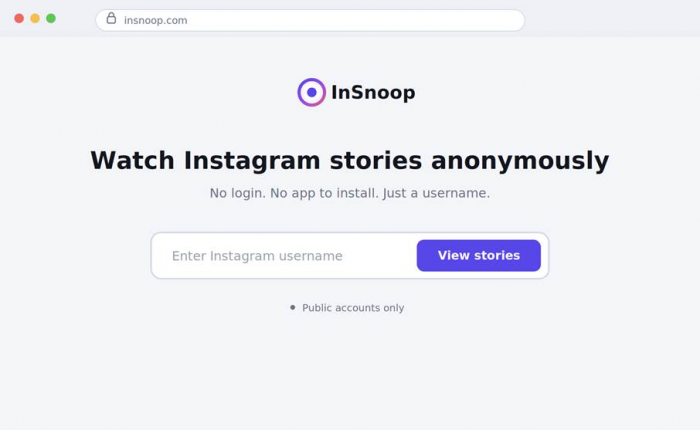
2. Paste it into InSnoop. Drop the username into the search box on the homepage and press enter. There is no menu to configure and nothing to log in to.
3. Watch or save. InSnoop loads the account's stories and highlights in its own viewer. Click through them, and use the download control to keep any you want.
What you can watch and save
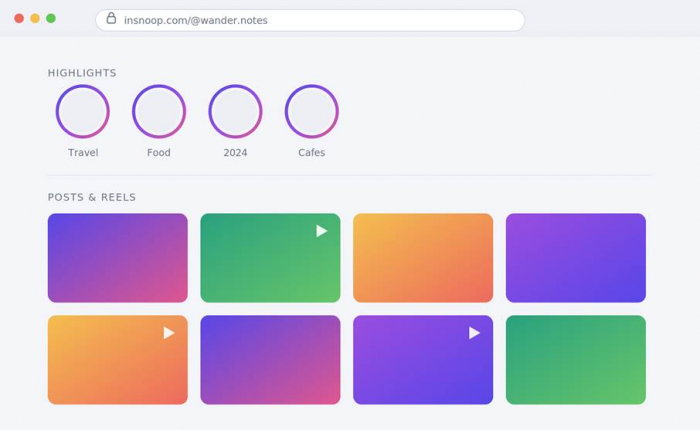
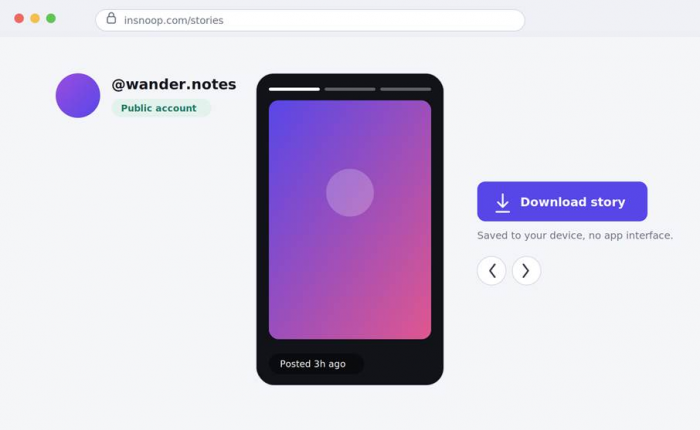
InSnoop is built around stories, but it reaches a little further. In testing, the reliable core was stories and highlights for public accounts, each shown with the time it was posted, which is genuinely useful for telling how fresh a story is. On top of that it will often surface regular posts, reels, and the full-size profile picture.
The save feature is the part worth setting expectations on. When a story loaded properly, saving it to my device was a single click, and the file came without the Instagram interface wrapped around it. When the servers were busy, the same button did nothing at all. If keeping content is your real goal rather than quietly watching it, a purpose-built downloader is far steadier than a viewer that treats saving as a side feature. This hands-on Indown.io guide walks through pulling reels, photos, and stories cleanly, and it is the tool I would reach for when the file matters more than staying hidden.
Everything here is public only. Stories still vanish after twenty-four hours on InSnoop the same way they do on Instagram, so a saved highlight is your only route to anything older.
What worked in testing
A few things earned their place. The no-login part is the big one. InSnoop never asked for my Instagram username and password, and it never should. Any anonymous viewer that wants you to log in to stay anonymous is doing the opposite of what it claims, and is usually fishing for credentials. InSnoop skips that entirely, which is the baseline for trusting a tool like this, and it clears the baseline.
Speed was good when the servers cooperated. For public accounts, stories usually appeared within a few seconds, with timestamps, and clicking through them felt like a stripped-down version of the app. The browser-only setup is the quiet convenience: nothing to install, nothing sitting on my phone, and it behaved the same on a laptop and a handset apart from a few cramped buttons on the smaller screen.
Where it fell short
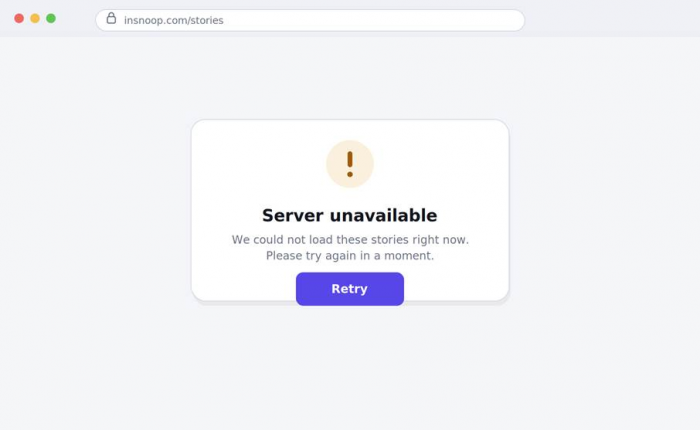
The trouble started once I pushed past the first successful load. Reliability was the loudest issue. On plenty of attempts, InSnoop refused to show stories for accounts I knew were active and handed back a server error or an unavailable message with no explanation. A refresh sometimes fixed it, and sometimes the account just would not load for a while. For a tool you lean on precisely because you want it to work quietly, failing without a reason is a real problem, and I hit it more than once.
The anonymity is the part I would not bank on. My own test views did not obviously appear, but I am not the only data point, and other users tell a different story. There are reports from people who used InSnoop, or a service running under the same name, and later found their own account sitting in the viewer list for stories they thought they had watched invisibly. One user described their name turning up in views after they reopened the app. That directly contradicts the '100% anonymous' line, and it is why I treat InSnoop as a convenience rather than a guarantee.
Then there is the clone problem. Search for InSnoop and you find a pile of copycat pages promising to unlock private accounts, reveal who stalks your profile, or show hidden stories. InSnoop itself does none of that, and neither can anything else in this category. Those promises are bait, and they are worth backing away from quickly.
What I liked ● No login or signup, ever ● Fast, clean viewing of public stories with timestamps ● Runs in any browser, nothing to install ● Free to use | What bugged me ● Frequent server errors and failed loads ● Anonymity is disputed by real user reports ● Public accounts only ● Almost no transparency about the company or its data |
Is InSnoop safe?
Safety splits into two questions that often get muddled together: whether the site will harm your device or accounts, and what it does with your activity. On the first, the reassuring news is what it does not ask for. Because InSnoop never wants your Instagram credentials, the worst-case password leak is off the table. The connection runs over standard SSL encryption, and at least one filter service marks the domain as safe.
The less reassuring news is its reputation with automated checkers. Scamadviser, which scores sites by heuristics, gives insnoop.com a low trust rating and openly tells visitors to use caution, mostly because of where and how the domain is hosted and registered rather than any proven fraud. It is not a scam verdict, but it is not a clean bill of health either. Here is how the signals line up.
| Signal | Reading | What it tells you |
|---|---|---|
| No login required | Strong | You never hand over Instagram credentials, so there is no password to steal |
| SSL encryption | Standard | The connection to the site is encrypted |
| Filter label | Safe | Marked safe by at least one DNS filtering service |
| Scamadviser score | Low | Flagged as 'use caution', mainly on hosting and registration factors, not confirmed fraud |
| Company transparency | Weak | Little public information and thin detail on data handling |
| Your search history | Logged | Every username you look up is a request that lands on their servers, at least briefly |
The quiet cost is data. You are not handing over a password, but every username you search is a request that reaches InSnoop's servers, and there is little clarity about how long any of it is kept or what happens to it afterward. For a tool that sells itself on privacy, that opacity is the thing I would weigh most heavily.
Legality and the ethics of it
Watching public Instagram content through a third-party site is not hacking. The material was already public, and looking at it is not a crime in most places. That is the simple half of the answer.
The messier half is Instagram's own rules and the ethics of quiet watching. Tools like InSnoop almost certainly break Instagram's terms of service, because they scrape or use unofficial access to gather content. That is not a criminal matter, but it has a very practical consequence: Instagram can break these tools whenever it changes something, which is a big part of why they fail so often. A viewer that works today can be dead next week.
Then there is the human side. Anonymous viewing covers a wide range of uses. Checking a competitor's public campaign without tipping them off is one thing. Silently tracking an ex, or someone who has no idea you exist, edges into something closer to low-grade stalking, even when the content is technically public. The tool does not decide which of those you are doing. You do. A story being open to everyone does not make watching it invisibly a neutral act.
WORTH REMEMBERING These viewers run on borrowed time. Because they depend on scraping public data, a single Instagram update can knock one offline without warning. If you rely on this kind of tool, keep a backup in mind and never assume any of them will be around, or anonymous, forever. |
InSnoop vs other viewers
InSnoop is one option in a crowded space, and it does not clearly stand above the rest. Most of these tools share the same shape, free, no login, public only, and scraper-based, along with the same fragility. The real differences are in polish and how hard each one pushes you toward paid extras.
| Tool | Model | Strength | Watch for |
|---|---|---|---|
| InSnoop | Free web viewer, no login | Simple, quick public story viewing | Low trust score, disputed anonymity, frequent errors |
| Inflact Viewer | Part of a larger paid suite | More tooling built around viewing | Upsells and paywalls |
| Dumpor and clones | Free viewer and profile explorer | HD stories and basic profile info | Public only, and many confusing copycats |
| Invizio | Free web viewer and downloader | Viewing plus saving in one place | Still a third-party scraper |
| MollyGram | Free story and profile viewer | Straightforward anonymous viewing | Long-term reliability unclear |
The honest takeaway is that InSnoop is neither the safest nor the most transparent choice here, and the whole category deserves the same caution until a tool proves otherwise. One more thing to keep in mind while comparing: if your reason for using a viewer is really to keep the files, that is a separate job, and it pays to pair a viewer with a proper downloader rather than trusting either one to do both. I broke down the better saving options in this guide to downloading Instagram reels, photos, and stories, and for pure saving it beats leaning on a story viewer's built-in button.
Who it is for, and who it is not
A good fit if ● You want a quick, no-login peek at a public account's stories ● You would rather not open the app or install anything ● The stakes are low and a slip in anonymity would not really matter | A weaker fit if ● You need the anonymity to be reliable, with real consequences if it fails ● You are trying to reach a private account, which no tool can honestly do ● Your actual goal is downloading content in bulk or at quality |
Using it without regret
If you still want to use InSnoop after all of that, treat it as a light tool with a few firm rules rather than a privacy shield.
● Never enter your Instagram password into InSnoop or any viewer. It does not need one to work, and neither should any alternative.
● Assume the anonymity might fail. If being seen would be a genuine problem, do not rely on it to hide you.
● Stay on public accounts, and close anything that claims to open private profiles or reveal your viewers.
● Skip it on shared or unsecured networks, and do not jump straight into an Instagram login in the same browser session.
● Recheck its reputation now and then, since sites like this can change hands and behavior quickly.
The verdict
BOTTOM LINE 6.4 / 10 Handy for a quick look, not for anything that matters. After a week of on-and-off use, here is where I land. InSnoop is not a scam, but it is not the bulletproof cloak the marketing suggests either. When the servers behave, it does the simple thing well: it lets you watch a public account's stories in seconds without logging in, and that no-password design is a real point in its favor. I would happily use it for a quick, low-stakes look at a public page. What I would not do is trust it with anything important. The server errors show up often enough to grate, the anonymity is disputed by enough real users that I would not bet on it, and the company behind it is close to invisible. So use it lightly, keep to public accounts, and remember the line that stuck with me while testing: being able to watch someone without being seen is not the same as it being a good idea. For reliable saving of Instagram content, reach for a dedicated downloader instead. |