

Table of Content
Google has expanded its AI image generation lineup with a more complete Nano Banana model family, bringing faster, cheaper, and more capable image tools across Gemini, developer platforms, and creative products. The updated family includes Gemini 3.1 Flash Image, widely known as Nano Banana 2, and Gemini 3 Pro Image, known as Nano Banana Pro. A new lower-cost Gemini 3.1 Flash-Lite Image tier has also appeared, giving users another option for high-volume image generation.
The update matters because Google is no longer treating AI image generation as a single premium feature. It is building a tiered model system where users can choose between speed, cost, and maximum quality depending on the job.
Nano Banana 2 is positioned as the default model for most work. It is designed to balance quality, latency, and cost, making it useful for social posts, product visuals, drafts, e-commerce assets, and fast creative iteration. Nano Banana Pro is the higher-end model, built for more demanding images that require accurate text, diagrams, layouts, branding, or final client-ready polish.
A Three-Tier Image Family
Google’s Nano Banana lineup has evolved quickly. The original version gained attention for fast image editing and casual creative use. Nano Banana Pro later added stronger reasoning, sharper output, better text rendering, and higher-resolution generation. Nano Banana 2 then brought many of those premium features into a faster and more affordable Flash model.
The latest addition, Flash-Lite Image, gives Google a cheaper option for high-volume drafts and lightweight image workflows. That makes the family more flexible. Users can generate quick ideas with Flash-Lite, handle most production work with Flash, and move to Pro when the image needs stronger accuracy or premium finishing.
This kind of routing is becoming more common in AI tools. Instead of using the most expensive model for every task, users can match the model to the level of quality required.
Why These Models Stand Out
The biggest strength of the Nano Banana family is that it is built on Gemini’s multimodal reasoning system. That means the models are not only generating pixels from a prompt. They can reason about scene structure, text placement, visual logic, diagrams, layouts, and reference images before producing the final result.
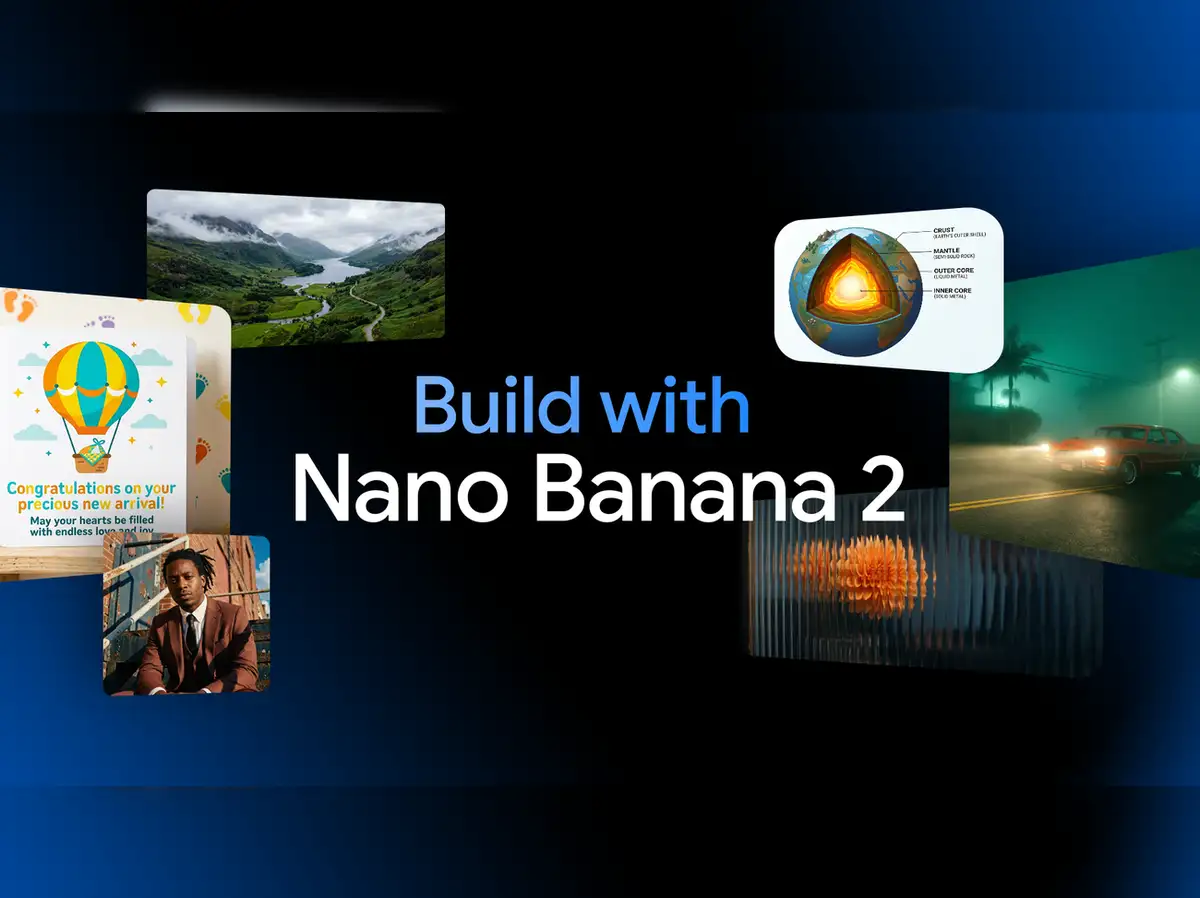
One of the most important improvements is in-image text. AI image tools have often struggled with spelling, logos, poster headlines, packaging labels, UI mockups, and diagrams. Google’s newer image models are designed to produce cleaner and more readable text, including multilingual text and localized image variations.
That makes the models useful beyond artistic images. They can help create product mockups, marketing banners, slide visuals, educational diagrams, dashboard concepts, social graphics, and brand materials where text accuracy matters.
Higher Resolution and Better Editing
The models also support higher-resolution output, including 2K and 4K workflows depending on the tier. Pro is aimed at smoother gradients, cleaner visual detail, and better final output, while Flash focuses on faster production at lower cost.
Editing is another key part of the update. Users can make localized changes, adjust lighting, switch camera angles, change focus, alter depth of field, apply color grading, and move between different aspect ratios. That makes the models more useful for real creative workflows where a user needs to refine an existing image rather than start over each time.
The family also supports stronger consistency across characters and objects. That is important for storyboards, product campaigns, branded visuals, and multi-image creative sets where the same subject needs to remain recognizable.
One Endpoint for Text and Images
A major workflow improvement is that Google is bringing text and image generation closer together through a single multimodal system. Users can provide prompts, reference images, and instructions in one flow, then generate or edit the visual output without switching tools.
For developers and teams, this simplifies production. The same model family can support image generation, editing, localization, product mockups, design variations, and creative automation. The models are available across consumer and developer surfaces, including the Gemini app, AI Studio, API access, enterprise tools, Search AI features, advertising products, and creative platforms.
That broad availability is part of the story. Google is not keeping image generation locked inside a specialist app. It is placing these tools inside products people already use.
Pricing and Practical Use
The new family gives users more control over cost. Flash-Lite is built for cheaper, high-volume drafting. Flash is the practical default for most users and teams. Pro is the model to use when quality mistakes would be expensive, especially in images with text, diagrams, layout rules, or brand-sensitive details.
This matters for businesses producing large numbers of creative assets. A team can draft many versions cheaply, then use the stronger model only for the final version. That could make AI image generation more practical for marketing teams, e-commerce sellers, educators, and content creators.
The Limits Remain
The models are improving quickly, but they are not perfect. Small faces, exact spelling, dense details, complex data visuals, and heavy edits can still produce errors. Infographics and charts should be checked carefully before publishing, especially when numbers or labels matter.
Generated images also include watermarking for AI provenance, reflecting the growing need to identify synthetic content.
Google’s Nano Banana update shows how fast AI image tools are moving from novelty to production workflow. The main lesson is simple: use Flash or Flash-Lite for speed and volume, then move to Pro when accuracy, text, diagrams, or final polish matter most.