


Table of Content
You’re running cold outreach campaigns, but the numbers aren’t adding up. Emails are going out, but replies? Barely trickling in. The truth is, if your messages aren’t landing in inboxes, they don’t stand a chance of being read.
That’s where email deliverability and warmup tools come in.
When done right, these tools help you build trust with inbox providers, avoid spam filters, and keep your sender reputation intact. But not all tools are created equal, and some make the process way easier than others.
In this article, we’ll break down the top email deliverability and warmup tools you can use right now. You’ll find out which one is best (spoiler: Instantly), how each one works, and what to look out for before making a choice.
Comparing the Best Email Deliverability and Warmup Tools
| Tool | Top Feature | Starting Price. |
| Instantly | AI-powered warmup, unified inbox for outreach. | $37.9/month. |
| Mailreach | Inbox-to-inbox warmup. | $25/month. |
| Folderly | Spam placement checker. | $96/month. |
| Warmup Inbox | Real inbox interactions. | $15/month. |
| QuickMail | Background inbox activity. | $9/month. |
1. Instantly

If you’ve been sending cold emails but barely getting replies, the issue might not be your offer; it’s probably your inbox reputation. And Instantly helps fix that fast. Instead of tossing emails into the void, you’ll be sending from a domain that inbox providers already trust. That’s how you start getting seen.
Instantly automates your warmup process by sending emails that look and feel real. These messages get opened, replied to, and marked as important because they’re part of a controlled network of real inboxes. Over time, that interaction builds trust with inbox providers, and you won’t have to do any extra work on your end. Best of all, it costs $37.9/month.
Key Features of Instantly
- Warmup happens behind the scenes, no manual sending: Once set up, Instantly handles the warmup process automatically, so you don’t need to send test emails or tweak settings every day.
- Scale multiple inboxes with Unibox: Whether you're working solo or managing several accounts, Instantly helps you scale smoothly without hurting your sender reputation by managing all of them in one unified inbox.
- AI-based sending behavior mimics real human activity: Instantly sends emails in natural patterns that look like they’re coming from a real person, not an automated tool.
- Full analytics help you monitor deliverability and fix issues early: You get useful data about how your inbox is performing, making it easier to catch and solve problems before they affect results.
2. Mailreach
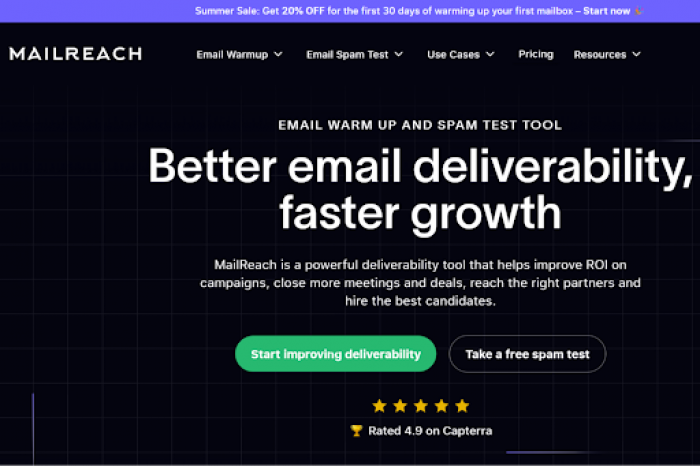
Mailreach is an email warmup tool with a hands-off setup. It connects your account to real inboxes that send, open, and reply to messages naturally, improving your sender reputation over time. Once connected, it runs automatically in the background, no manual effort required. Ideal for individuals or small teams, with plans starting at $25/month.
Pros of Mailreach
- It lets you control how many warmup emails go out each day.
- It uses real, active inboxes to improve trust with providers.
Cons of Mailreach
- It doesn’t support outreach, follow-ups, or list management.
- It’s more expensive than some tools that offer extra features.
3. Folderly
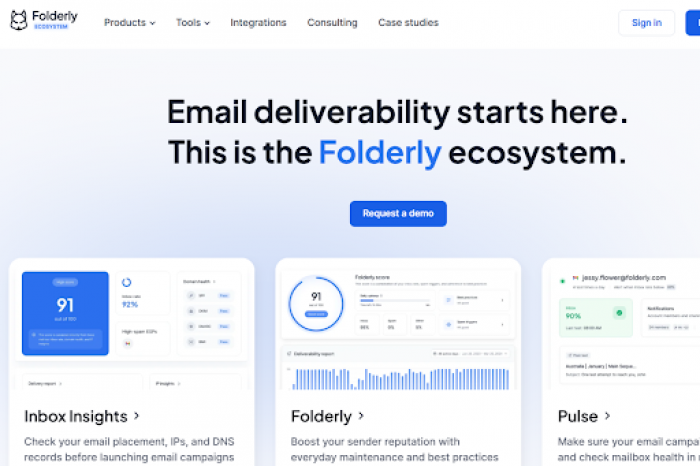
Folderly isn’t built to send emails or manage campaigns. It’s more of a deliverability tool for when inbox placement starts to slip. You can test where emails land, check for spam-triggering language, and troubleshoot technical issues. Plus, the platform walks you through complex problems with technical records, which is helpful if you’re not sure where your setup failed. Pricing starts at $96/month, making it one of the more expensive options on this list.
Pros of Folderly
- Folderly is great for troubleshooting technical issues with inbox placement.
- It helps you audit and improve sender setup.
Cons of Folderly
- Folderly doesn’t support sending or campaign management.
- Customers complain that it leans towards the pricier side compared to what it offers.
4. Warmup Inbox
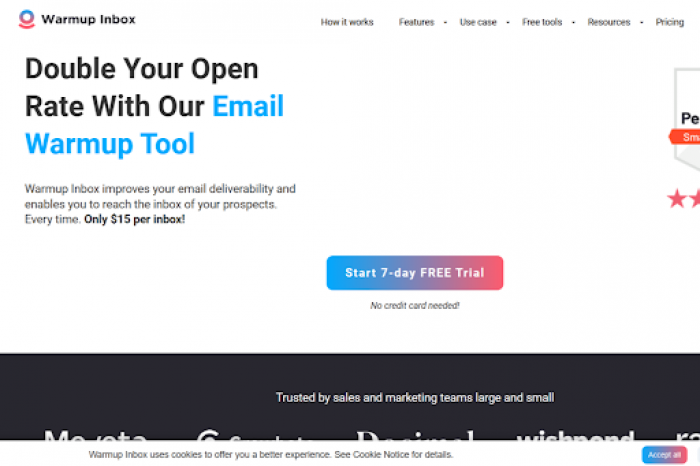
If you’re launching cold email from a fresh domain, Warmup Inbox helps you build trust gradually. It sends and receives messages between real inboxes, making your account appear more legitimate to providers like Gmail and Outlook. Also, the setup is straightforward, with no technical know-how necessary, and it supports multiple warmups at once. Plans start at $15/month per inbox.
Pros of Warmup Inbox
- Warmup Inbox allows you to tailor sending intervals and daily volumes to meet your team’s specific needs.
- It lets you warm more than one email address at a time.
Cons of Warmup Inbox
- Warmup Inbox doesn’t handle outreach or replies, so you’ll need third-party plug-ins for those.
- It lacks tracking and deliverability insights.
5. QuickMail

QuickMail’s Auto-Warmer is a simple, no-frills cold email warmup tool that helps your inbox avoid spam folders. With prices starting at $9/month, it sends and receives emails through a trusted network, simulating natural engagement like opens, replies, and bookmarks. Due to its affordability, this tool would be most useful for solo senders or anyone just getting started.
Pros of QuickMail
- Quickmail is one of the more affordable tools on the market today.
- It doesn’t require hands-on setup and is relatively easy to navigate.
Cons of QuickMail
- Quickmail doesn’t provide performance data or analytical insights.
- It cannot support multiple inboxes effectively.
Fix Deliverability Fast with Instantly
If your cold emails aren’t getting seen, you’re not just losing engagement, you’re losing real business opportunities. Some tools help you get started, but when you’re scaling outreach or managing multiple domains, you need more than the basics.
Instantly is simple, fast, and built for real results. It automates inbox warmup from day one, protects your domain reputation with AI-driven activity, and brings all your outreach into one unified system. With built-in performance tracking and issue detection, it's the smartest way to improve cold email inboxing and finally land in the right folders.