

Table of Content
Instagram Reels have become one of the most powerful ways to grow on Instagram in 2026. Short-form videos now dominate feeds because they’re fast to consume, highly engaging, and favored by Instagram’s algorithm. The challenge? Creating Reels consistently takes time, creativity, and editing skills.
That’s where AI tools step in. Modern AI video tools can turn simple ideas into scroll-stopping Reels, automatically edit clips, add captions, sync music, and even generate videos from text. Whether you’re an influencer, small business owner, marketer, or agency, these tools help you create better Reels faster without needing advanced editing experience.
Below are six of the best AI tools for Instagram Reels creation in 2026, explained in a clear and beginner-friendly way.
1. CapCut AI
CapCut AI is one of the most popular tools for creating Instagram Reels, especially among creators who want fast, trendy edits. Built with short-form content in mind, CapCut uses AI to automate editing tasks that used to take hours. CapCut AI
You can upload raw clips, and CapCut’s AI helps trim scenes, apply smooth transitions, sync visuals with music beats, and add animated text. Its auto-caption feature is particularly powerful for Reels, generating accurate subtitles with stylish fonts that boost watch time and accessibility. Background removal and object cut-outs also make it easy to create eye-catching visuals without green screens.
CapCut stands out because it constantly updates with viral Reel templates, making it ideal for influencers and brands that want to follow trends quickly.
Pros:
● Very easy to use
● Excellent auto captions and music syncing
● Large library of Reel-ready templates
Limitations:
● Some advanced effects require a paid plan
● Limited customization for complex cinematic edits
Pricing:
Free plan available; Pro plan unlocks premium effects and assets.
2. InVideo AI
InVideo AI is perfect for creators who want to turn ideas or scripts directly into Instagram Reels. Instead of editing clip-by-clip, you can type a short prompt or paste text, and the AI automatically creates a video with visuals, transitions, captions, and music. InVideo AI
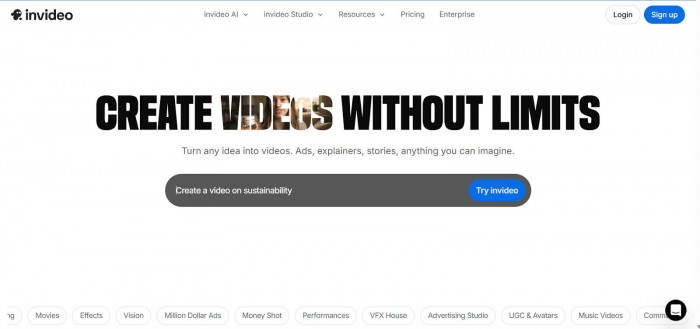
This tool is especially useful for marketers, coaches, and small businesses creating educational or promotional Reels. InVideo AI selects stock clips, formats them vertically for Instagram, and keeps the pacing tight for short-form attention spans. You can then tweak scenes, colors, and text to match your brand.
What makes InVideo unique is how well it bridges text-to-video creation with social-media-friendly design.
Pros:
● Fast text-to-Reel creation
● Great for promotional and informational content
● Large stock media library
Limitations:
● Less control over detailed visual effects
● AI visuals may feel generic without customization
Pricing:
Free version with watermark; paid plans unlock HD exports and branding tools.
3. Runway
Runway is a more advanced AI video tool, popular among creators who want cinematic or experimental Reels. It offers AI-powered background removal, object tracking, motion effects, and generative video tools that let you create visuals that stand out in crowded feeds. Runway
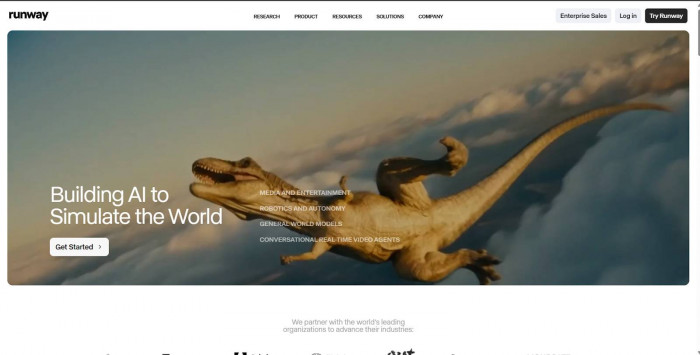
For Instagram Reels, Runway is ideal when you want something visually different, like animated transitions, surreal effects, or AI-generated video elements. Agencies and digital marketers often use it to create high-impact brand Reels and ad creatives.
While it has a learning curve, Runway’s results can be incredibly unique compared to template-based tools.
Pros:
● Powerful AI effects and background removal
● Great for creative and cinematic Reels
● High-quality exports
Limitations:
● Not beginner-friendly
● Overkill for simple talking-head Reels
Pricing:
Limited free credits; paid plans for regular usage and exports.
4. Canva AI
Canva AI is one of the easiest tools for Instagram Reels, especially for beginners and small businesses. It combines design, video editing, and AI automation in a simple drag-and-drop interface. Canva AI
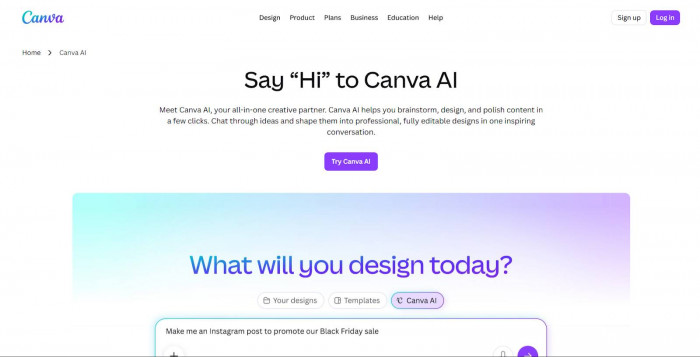
With Canva AI, you can use Reel templates, auto-resize content, generate captions, remove backgrounds, and even create short videos from text. Its built-in brand kits help businesses maintain consistent colors, fonts, and styles across all Reels.
Canva shines when you want clean, professional Reels without spending time learning complex software.
Pros:
● Extremely beginner-friendly
● Thousands of Reel templates
● Strong branding and design tools
Limitations:
● Limited advanced video effects
● Not ideal for high-end cinematic edits
Pricing:
Free plan available; Canva Pro unlocks premium templates, AI tools, and assets.
5. Pika
Pika is an exciting AI tool focused on text-to-video and generative visuals. Instead of editing footage, you describe what you want, and Pika creates short AI-generated video clips that can be used in Instagram Reels. Pika
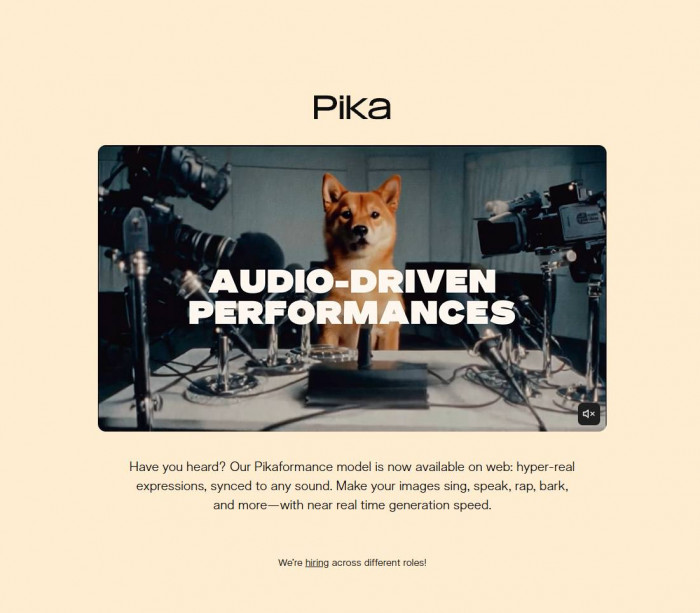
This tool is great for creators experimenting with storytelling, animations, or abstract visuals. Influencers use Pika to add eye-catching AI scenes between clips, while marketers use it to create unique visuals for product teasers.
Pika is still evolving, but it represents the future of AI-driven Reel creation.
Pros:
● Innovative text-to-video generation
● Unique visuals that stand out
● No filming required
Limitations:
● Less control over final output
● Not ideal for realistic or branded content
Pricing:
Free credits available; paid plans for higher quality and longer videos.
6. Descript
Descript is a favorite among creators who produce talking-head, podcast-style, or educational Reels. Instead of editing video traditionally, you edit the transcript, delete words, rearrange sentences, and the video updates automatically. Descript
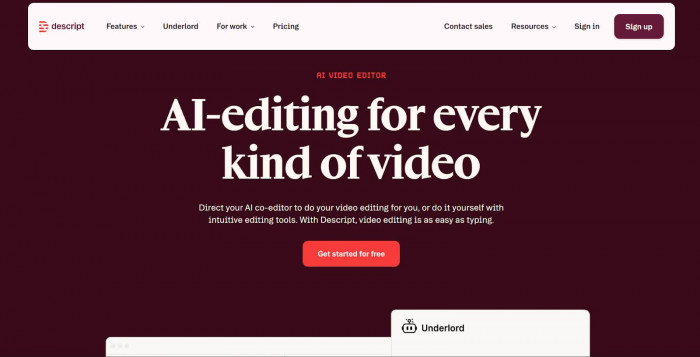
Its AI features include auto captions, filler-word removal, AI voiceovers, and screen recording. Descript makes it easy to repurpose long videos or podcasts into short Instagram Reels with clean captions and tight pacing.
For coaches, educators, and agencies focused on content repurposing, Descript is incredibly efficient.
Pros:
● Text-based video editing
● Excellent auto captions and audio cleanup
● Ideal for repurposing content
Limitations:
● Limited visual effects
● Not built for trend-based templates
Pricing:
Free plan with basic features; paid plans unlock advanced AI and exports.
Final Thoughts: Growing Faster with AI-Powered Reels
In 2026, consistency and creativity are the keys to Instagram growth and AI tools make both easier. From auto-editing and captions to text-to-video and generative visuals, these platforms help creators produce high-quality Reels without burning out.
If you focus on trends and speed, tools like CapCut AI shine. For business promos and scripted content, InVideo AI or Canva AI are great choices. If you want creative freedom and standout visuals, Runway or Pika can elevate your Reels. And if you’re repurposing content, Descript is hard to beat.
The best tool ultimately depends on your content style, skill level, and budget but using AI at all is what gives creators a real edge in reach, engagement, and follower growth on Instagram today.