

Table of Content
- 1. AI Tools for Turning Long Videos into Shorts
- Opus Clip
- Quso.ai
- 2. AI Tools for Captions, Subtitles, and Text Overlays
- CapCut
- VEED.IO
- 3. AI Tools for AI Avatars and Talking Head Shorts
- HeyGen
- Synthesia
- 4. AI Tools for Editing, Transitions, and Effects
- InVideo
- Adobe Premiere Pro
- 5. AI Tools for Scripts, Hooks, and Viral Ideas
- ChatGPT
- Jasper
- Quick Comparison: Which Tools Should You Choose?
- The Future of AI in Short-Form Content
YouTube Shorts are no longer just “extra content.” They are driving discovery, subscribers, and even full-time incomes. Many creators now get more views from Shorts than from long videos.
The challenge? Shorts demand speed, hooks, captions, fast edits, and consistency.
That’s where AI tools come in. In 2026, creators use AI to:
● Turn long videos into multiple Shorts automatically
● Add animated captions in seconds
● Create faceless talking videos
● Generate viral hooks and scripts
● Edit faster without advanced skills
Instead of listing tools randomly, let’s walk through how real creators build Shorts step by step and which AI tools fit each workflow.
1. AI Tools for Turning Long Videos into Shorts
Many creators start with podcasts, tutorials, interviews, or long YouTube videos. AI tools now detect the most engaging moments and convert them into vertical Shorts.
Opus Clip
What It Does
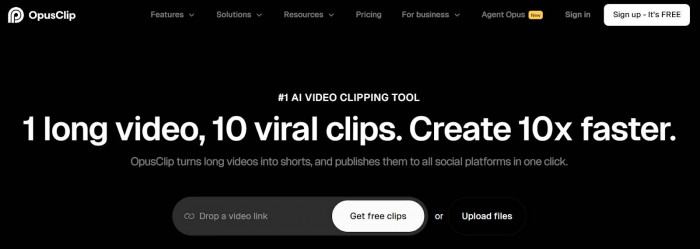
Opus Clip takes a long video (like a 20-minute podcast) and automatically finds viral-worthy moments. It crops them into vertical format and adds captions.
How Creators Use It
Upload a YouTube link → AI finds highlights → Generates multiple Shorts ready to post.
Key Features
● Automatic highlight detection
● Vertical resizing (9:16 format)
● Auto captions
● Viral score prediction
● Social-ready export
What Makes It Different
It focuses specifically on turning long-form content into multiple short viral clips automatically.
Pros
● Saves hours of manual clipping
● Beginner-friendly
● Great for repurposing content
Limitations
● AI may sometimes pick less impactful moments
● Full features require paid plan
Pricing
Free limited plan
Paid plans for more exports
Best For
Podcasters, educators, interview-based channels, busy creators
Quso.ai
What It Does
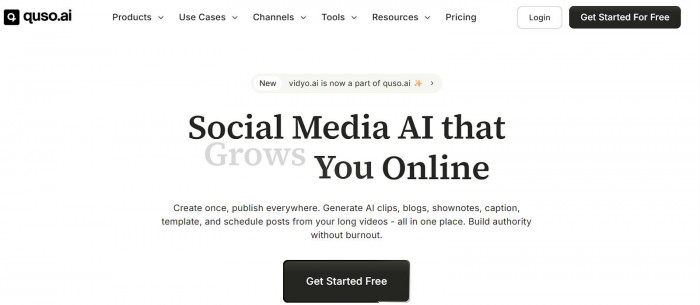
Quso.ai automatically cuts long videos into short clips and adds captions and templates.
Key Features
● Auto clipping
● Caption styles
● Branded templates
● Direct social export
What Makes It Different
Stronger branding customization compared to many auto-clipping tools.
Pros
● Good for branded content
● Fast processing
Limitations
● Slight learning curve
● Limited advanced editing
Pricing
Free plan available
Paid tiers for higher usage
Best For
Brands, coaches, marketing teams
2. AI Tools for Captions, Subtitles, and Text Overlays
Captions are essential for Shorts. Many viewers watch without sound. AI tools now generate stylish, animated captions automatically.
CapCut
What It Does
CapCut adds automatic captions, animated text overlays, and trending effects.
How Creators Use It
Import clip → Auto-generate captions → Apply animation style → Export.
Key Features
● Auto subtitles
● Caption animation templates
● Sound effects
● Built-in music library
What Makes It Different
Very easy to use and optimized for mobile creators.
Pros
● Free and beginner-friendly
● Tons of trendy caption styles
Limitations
● Limited professional controls
● Some features require login
Pricing
Free with optional premium features
Best For
Beginners, influencers, TikTok and Shorts creators
VEED.IO
What It Does
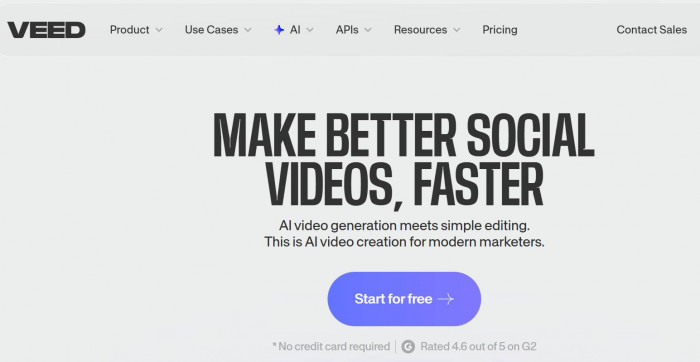
VEED.IO offers automatic subtitle generation and professional caption styling inside a browser editor.
Key Features
● Auto subtitles
● Custom fonts and branding
● Translation support
● Online editing (no software install)
What Makes It Different
Good balance between simplicity and professional output.
Pros
● Clean interface
● Works entirely in browser
Limitations
● Free version includes watermark
● Rendering can be slow on long videos
Pricing
Free basic plan
Paid subscription plans
Best For
Creators who want polished caption styles without complex editing software
3. AI Tools for AI Avatars and Talking Head Shorts
Faceless channels are growing fast. AI avatars now let creators publish talking head Shorts without being on camera.
HeyGen
What It Does
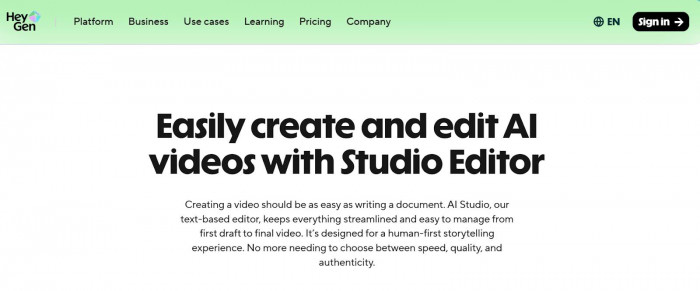
HeyGen creates AI avatar videos where a digital presenter speaks your script.
How Creators Use It
Write script → Choose avatar → Select voice → Export vertical Short.
Key Features
● Realistic AI avatars
● Multi-language support
● Voice cloning
● Lip sync
What Makes It Different
High-quality lip sync and natural voice tone.
Pros
● No camera needed
● Fast content production
Limitations
● Premium pricing
● Avatar realism still not fully human
Pricing
Paid plans (free preview available)
Best For
Faceless channels, educators, explainer content creators
Synthesia
What It Does
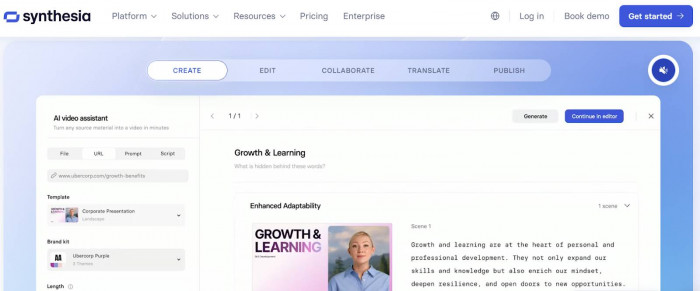
Synthesia generates AI presenter videos ideal for informational Shorts.
Key Features
● 120+ languages
● Corporate-style avatars
● Clean presentation layout
What Makes It Different
More professional tone compared to trend-focused tools.
Pros
● Great for educational Shorts
● Clear pronunciation
Limitations
● Less energetic delivery
● Paid subscription required
Pricing
Paid plans only
Best For
Business, finance, tech explainers
4. AI Tools for Editing, Transitions, and Effects
Shorts require fast pacing, dynamic cuts, and engaging transitions.
InVideo
What It Does
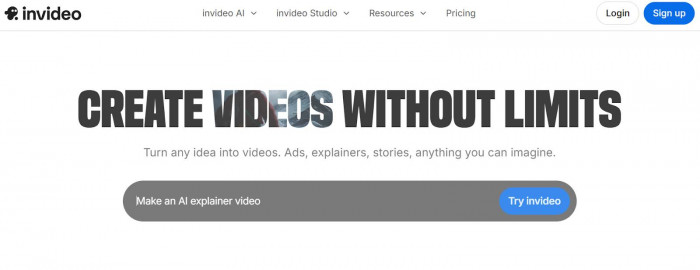
InVideo helps create short videos using AI templates and auto-editing tools.
Key Features
● Ready-made Short templates
● AI text-to-video
● Transitions and animations
● Stock media library
What Makes It Different
Strong template library for beginners.
Pros
● Easy to create from scratch
● Good for marketing Shorts
Limitations
● Free plan has watermark
● Advanced editing is limited
Pricing
Free plan
Paid plans for watermark removal and premium assets
Best For
Small businesses, beginner creators
Adobe Premiere Pro
What It Does
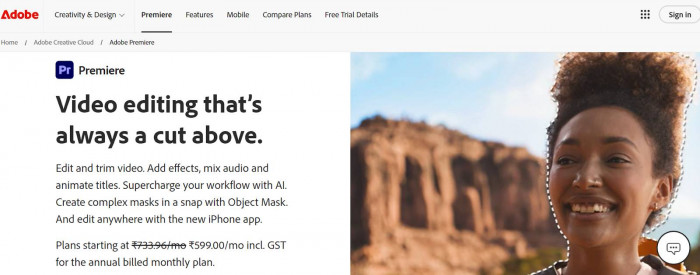
Professional editing software used to create high-quality Shorts.(Adobe Premiere)
Key Features
● Advanced transitions
● AI auto reframing
● Audio enhancement
● Professional color grading
What Makes It Different
Full creative control.
Pros
● Industry-level editing power
● Unlimited customization
Limitations
● Steep learning curve
● Monthly subscription
Pricing
Paid subscription
Best For
Professional creators, agencies, serious YouTubers
5. AI Tools for Scripts, Hooks, and Viral Ideas
Great Shorts start with strong hooks. AI writing tools help generate engaging ideas.
ChatGPT
What It Does
ChatGPT helps generate viral hooks, scripts, and video ideas.
How Creators Use It
Prompt with topic → Get multiple hook variations → Refine script → Turn into Short.
Key Features
● Hook generation
● Script writing
● Idea brainstorming
● Trend adaptation
What Makes It Different
Flexible across niches and content types.
Pros
● Fast idea generation
● Beginner-friendly
Limitations
● Requires good prompts
● Needs human editing for best results
Pricing
Free version available
Paid plans for advanced features
Best For
All creators, especially beginners
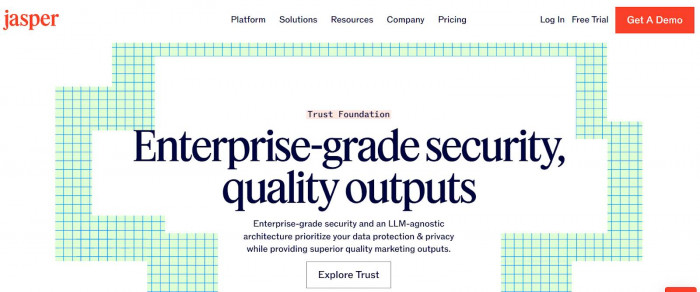
Jasper
What It Does
Jasper focuses on marketing-driven scripts and persuasive hooks.
Key Features
● Short-form script templates
● Marketing tone control
● Brand voice memory
What Makes It Different
Stronger for promotional and brand content.
Pros
● Good for product-based Shorts
● Brand consistency
Limitations
● Paid-only
● Less flexible than general AI tools
Pricing
Paid plans
Best For
Brands, e-commerce creators, marketers
Quick Comparison: Which Tools Should You Choose?
Best for Beginners
● CapCut
● Opus Clip
● ChatGPT
● InVideo
Best for Faceless Channels
● HeyGen
● Synthesia
● ChatGPT
● ElevenLabs (for AI voiceovers only)
Best for Professional Creators
● Adobe Premiere Pro
● VEED.IO
● Jasper
● Opus Clip
The Future of AI in Short-Form Content
In the next few years, AI will:
● Predict viral moments before publishing
● Automatically optimize videos for YouTube algorithm
● Generate personalized Shorts for different audiences
● Enable one-click content repurposing across all platforms
Short-form content creation will become faster, smarter, and more data-driven.
The creators who win will not just use AI to save time. They will use it to test more ideas, publish consistently, and refine what works.
In 2026, AI is not replacing creators. It is multiplying their output.