

Table of Content
- Creating social media graphics: speed wins, uniqueness suffers
- Designing UI and branding: where control separates tools
- Generating visual assets: where quality actually changes
- Editing and refinement: where real design quality is built
- The comparison that actually matters
- Choosing the Right AI Design Tools Based on What Actually Improves Output
Creating social media graphics: speed wins, uniqueness suffers
This is where AI feels the most useful initially and the most limiting over time.
Canva AI (https://www.canva.com/)
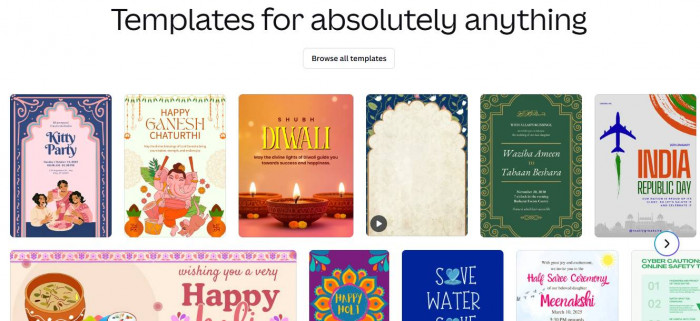
Canva AI improves speed more than anything else.
What it improves:
It removes manual layout work. You can generate posts, resize formats, and create variations quickly. For teams producing high volumes of content, this eliminates repetitive design effort.
Where it limits creativity:
Most outputs rely on templates. Even after customization, designs often resemble existing formats. Over time, visual identity becomes predictable.
Who should use it:
Content teams and marketers who prioritize consistency and volume over originality.
Pricing includes a free tier, with Canva Pro typically around $12–$15 per month.
Canva improves speed, but rarely improves design quality.
Adobe Express (https://www.adobe.com/express/)
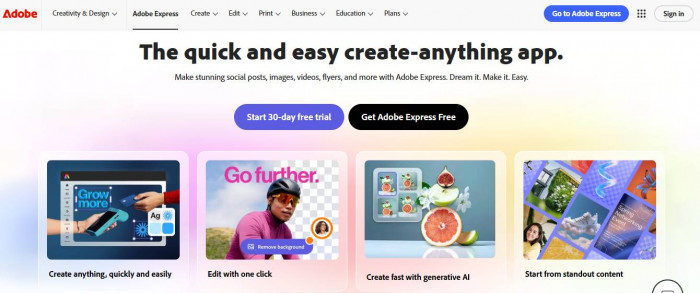
Adobe Express offers a slightly more refined version of the same workflow.
What it improves:
Typography and layout quality are stronger. Designs feel more polished with less effort compared to Canva.
Where it limits creativity:
Still constrained by pre-built styles. It improves aesthetics, but does not unlock deeper creative control.
Who should use it:
Users who want better-looking outputs without moving into professional design tools.
Pricing includes a free plan, with premium tiers around $10–$15 per month.
Adobe Express improves speed and baseline quality, but not uniqueness.
Designing UI and branding: where control separates tools
This is where AI stops being a shortcut and becomes part of a professional workflow.
Figma AI (https://www.figma.com/)
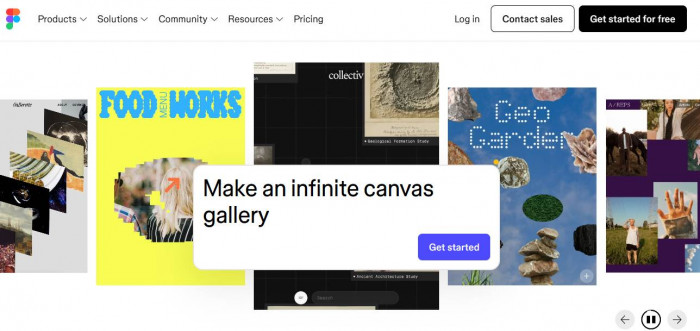
Figma AI enhances an already flexible design system.
What it improves:
Iteration speed without losing control. You can generate layouts, adjust components, and test variations while maintaining full design precision.
Where it limits creativity:
The AI itself does not create strong design. It accelerates your decisions, but does not replace them.
Who should use it:
Designers working on products, interfaces, or scalable design systems.
Pricing includes a free plan, with paid tiers starting around $12 per editor per month.
Figma improves both speed and quality, but only in the hands of someone who understands design.
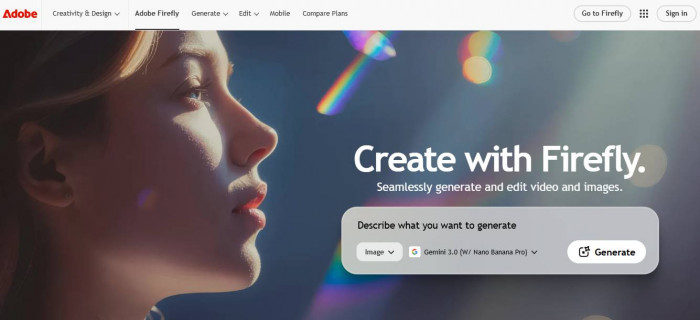
Adobe Firefly (https://www.adobe.com/products/firefly.html)
Firefly focuses on controlled, brand-safe generation.
What it improves:
Consistency. You can generate assets that align with brand guidelines and integrate directly into Adobe workflows.
Where it limits creativity:
Outputs are safe, sometimes too safe. It prioritizes reliability over experimentation.
Who should use it:
Teams that need predictable, commercially safe design assets.
Pricing is included in Adobe Creative Cloud plans, typically starting around $20+ per month.
Firefly improves consistency more than originality.
Generating visual assets: where quality actually changes
This is where AI can move beyond shortcuts and genuinely improve output.
Midjourney (https://www.midjourney.com/)
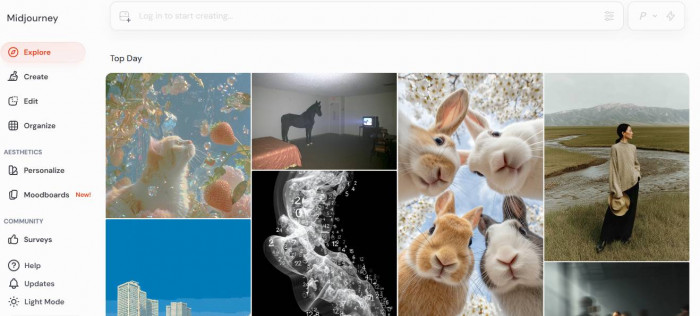
Midjourney is one of the few tools that consistently improves visual quality.
What it improves:
Image detail, composition, and aesthetic depth. Outputs often feel closer to high-end creative work than generic AI visuals.
Where it limits creativity:
Precision control is limited. You guide through prompts, not direct manipulation.
Who should use it:
Designers and creatives looking for standout visuals, not just usable ones.
Pricing typically starts around $10 per month.
Midjourney improves quality significantly, even if it requires iteration.
Editing and refinement: where real design quality is built
Most design quality comes from refinement, not generation.
Photoshop AI (https://www.adobe.com/products/photoshop.html)
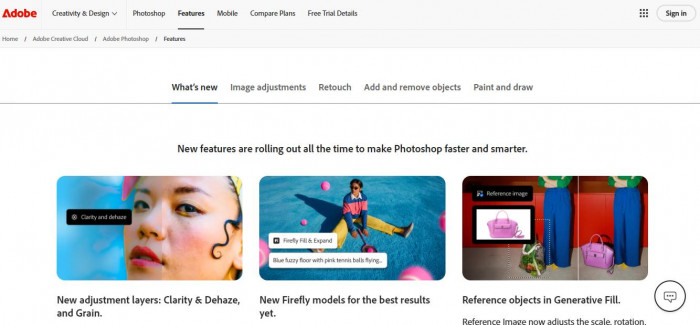
Photoshop AI enhances precision.
What it improves:
Detailed editing becomes faster. Features like generative fill allow for quick adjustments without manual reconstruction.
Where it limits creativity:
It does not generate ideas. It refines existing ones.
Who should use it:
Designers who want full control over the final output.
Pricing is typically around $20+ per month as part of Adobe plans.
Photoshop improves quality, but only when guided properly.
The comparison that actually matters
This is not about features. It is about design outcomes.
| Tool | Starting Price | Where It Actually Helps | Where It Falls Short |
| Canva AI | Free / ~$12+ | Quickly generates social media content and resizes designs with minimal effort | Outputs often feel template-based and lack strong visual identity |
| Adobe Express | Free / ~$10+ | Produces cleaner layouts and better typography than basic design tools | Limited flexibility for custom or complex design work |
| Figma AI | Free / ~$12+ | Speeds up UI design and iteration while keeping full control over components and layout | Requires design knowledge to fully benefit from it |
| Adobe Firefly | ~$20+ | Generates consistent, brand-safe assets that integrate well with Adobe tools | Prioritizes safety and consistency over creative experimentation |
| Midjourney | ~$10+ | Creates highly detailed, visually striking images that stand out from generic AI outputs | Limited precision control when trying to fine-tune specific elements |
| Photoshop AI | ~$20+ | Enables high-quality refinement with precise edits like generative fill and object adjustments | Does not generate ideas, only improves execution of existing ones |
Choosing the Right AI Design Tools Based on What Actually Improves Output
The right tool depends on what you want to improve, not how many features it offers.
- For fast content creation, Canva AI or Adobe Express delivers quick results with minimal effort.
- When visual quality matters more, Midjourney creates stronger assets, while Photoshop AI helps refine them.
- For full control and professional output, Figma AI gives flexibility without slowing down workflow.
- If consistency and brand safety are the priority, Adobe Firefly keeps outputs reliable.
- When editing and production become bottlenecks, Runway ML helps reduce manual effort.
Trying to use one tool for everything usually leads to average results.
Most AI tools make design faster. Only a few make it better. Midjourney improves visual quality, while Figma AI improves workflow without losing control.
A simple approach works best. Use Canva or Express for speed, Midjourney for standout visuals, and Figma or Photoshop to refine the final result.