

Table of Content
Where InVideo starts breaking in real workflows
InVideo works well when you are producing occasional content with templates. The problems show up when volume increases or when you try to push beyond template-driven output.
The first limitation is how quickly videos start to look the same. Templates solve speed, but they also flatten originality. After 10 to 20 videos, patterns become obvious, especially for social media.
The second issue is pricing logic. The credit system creates friction during iteration. Editing, regenerating scenes, or testing variations burns credits in ways that are hard to predict. This becomes expensive when you are producing content daily.
Then there is consistency. AI-generated scenes often lack continuity. You might get strong individual clips, but stitching them into a coherent narrative still requires manual correction.
Control is the final bottleneck. For creators who want timing precision, scene-level adjustments, or storytelling control, InVideo starts feeling restrictive.
A real alternative needs to solve at least one of these problems properly, not just repackage the same limitations.
Categorized comparison snapshot
| Tool | Category | Starting Price | Free Plan | Best For | Rating (G2 / Capterra) |
| Pictory | Blog to video AI | ~$19/month | Yes | Repurposing long content | G2 ~4.7, Capterra ~4.7 |
| Synthesia | Avatar video AI | ~$22/month | No | Business presentations | G2 ~4.7, Capterra ~4.6 |
| VEED | Browser AI editor | ~$18/month | Yes | Social media editing | G2 ~4.6, Capterra ~4.5 |
| Descript | AI editing + voice | ~$15/month | Yes | Podcast and video workflows | G2 ~4.6, Capterra ~4.5 |
| Kapwing | AI browser editor | ~$16/month | Yes | Fast team workflows | G2 ~4.5, Capterra ~4.4 |
| Runway | Generative video AI | ~$15/month | Yes | Advanced AI visuals | G2 ~4.6, Capterra ~4.4 |
| Canva | Template + AI hybrid | ~$12.99/month | Yes | Simple social content | G2 ~4.7, Capterra ~4.7 |
| Fliki | Text to video + voice | ~$21/month | Yes | Faceless content | G2 ~4.8, Capterra ~4.8 |
| HeyGen | Avatar AI video | ~$29/month | Limited | Sales and explainers | G2 ~4.8, Capterra ~4.7 |
Pictory
Pictory solves one specific problem better than InVideo: turning long-form content into usable videos without manual editing. Instead of starting with templates, it starts with text input, such as blog posts or scripts, and builds structure automatically. (https://pictory.ai/)
The workflow is fundamentally different. You input content, and it extracts key sentences, matches visuals, and generates a narrative flow. This reduces editing time significantly compared to template-based tools.
The tradeoff is control. You can adjust scenes, but you are still working within an automated structure. For high-volume content repurposing, this works. For storytelling, it can feel limiting.
Pricing starts around $19 per month and scales with video length and features. It does not rely heavily on credits, which makes it more predictable than InVideo.

Where it beats InVideo
1. Better for blog-to-video workflows
2. More consistent narrative structure
3. Less credit friction
Where it still fails
1. Limited creative control
2. Stock footage dependency
3. Not ideal for unique visual storytelling
Synthesia
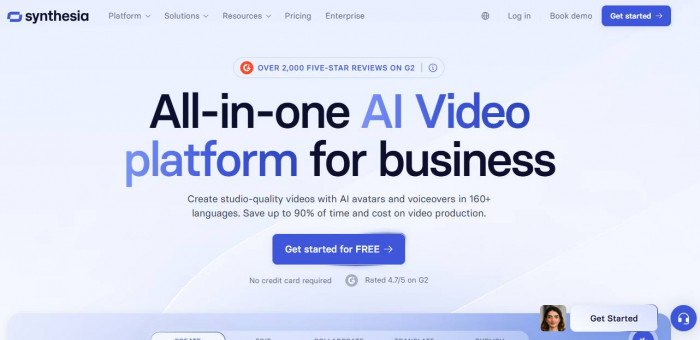
Synthesia replaces visuals with avatars. Instead of generating scenes, it generates a presenter delivering your script. (https://www.synthesia.io/)
This solves a completely different problem. If your goal is corporate training, product demos, or internal communication, this approach removes the need for editing entirely.
The workflow is script-first. You write text, choose an avatar, and generate a video. This eliminates editing complexity but also removes creative flexibility.
Pricing starts around $22 per month, but scaling depends on video minutes. It becomes expensive if you produce large volumes.
Where it beats InVideo
1. Consistent output quality
2. No editing required
3. Ideal for business communication
Where it still fails
1. Not suitable for social content
2. Limited visual storytelling
3. Expensive at scale
VEED
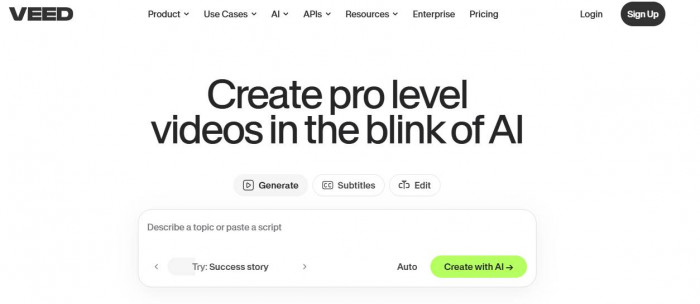
VEED works more like a traditional editor but with AI layered on top. It gives more control than InVideo while still offering automation features like subtitles, trimming, and basic AI generation.
The key difference is flexibility. You are not locked into templates. You can build videos from scratch while still using AI tools where needed. (https://www.veed.io/)
Pricing starts at around $18 per month, and it follows a subscription model rather than relying on heavy credit usage.
The downside is speed. It is not as fast as pure text-to-video tools, but it produces better results when quality matters.
Where it beats InVideo
1. More editing control
2. Better for social media customization
3. Cleaner output for real content
Where it still fails
1. Slower workflow
2. Requires manual input
3. AI generation is not the core strength
Descript
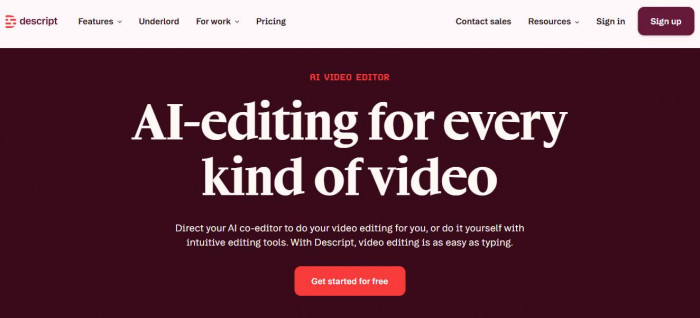
Descript changes the workflow entirely. Instead of editing video directly, you edit text, and the video follows. (https://www.descript.com/)
This is particularly useful for creators working with podcasts, talking-head videos, or voice-based content. It reduces editing time significantly.
Pricing starts around $15 per month, and the model is subscription-based with limits on transcription and AI features.
The limitation is visual generation. It is not a true text-to-video generator in the same sense as InVideo, but it solves editing better than most tools.
Where it beats InVideo
1. Text-based editing workflow
2. Faster for speech-heavy content
3. Strong audio and transcription tools
Where it still fails
1. Weak visual generation
2. Not ideal for stock-based videos
3. Requires source footage
Kapwing
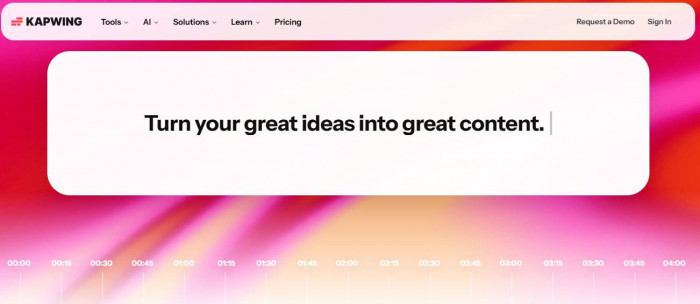
Kapwing sits between automation and manual editing. It offers AI tools but keeps the editing interface simple and collaborative. (https://www.kapwing.com/)
The main advantage is team usability. Multiple users can work on projects, which is something InVideo does not handle well.
Pricing starts around $16 per month, with predictable subscription tiers.
Output quality depends heavily on how much effort you put in. It does not automate as aggressively as InVideo.
Where it beats InVideo
1. Better for team workflows
2. Cleaner editing experience
3. Less dependency on templates
Where it still fails
1. Limited automation
2. Requires manual effort
3. Not ideal for bulk generation
Runway
Runway is closer to an AI research tool than a typical video platform. It focuses on generative video, including text-to-video and advanced effects. (https://runwayml.com/)
This solves the biggest limitation of InVideo: originality. You are not limited to stock footage.
The tradeoff is usability. It has a learning curve, and results can be inconsistent.
Pricing starts around $15 per month, but credit usage increases quickly with generation.

Where it beats InVideo
1. Unique AI-generated visuals
2. More creative flexibility
3. Not template-bound
Where it still fails
1. Inconsistent output
2. Credit-heavy usage
3. Not beginner-friendly
Canva
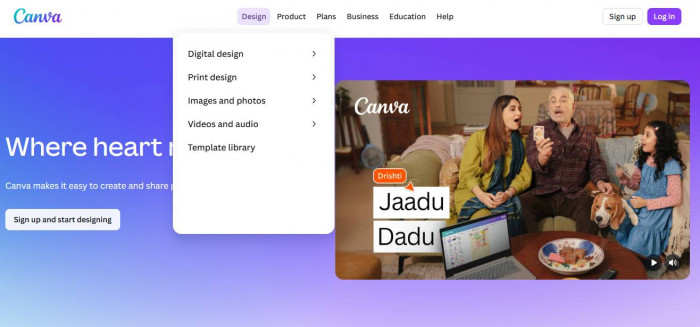
Canva competes with InVideo only at the surface level. It is not a pure video tool, but its video editor is widely used for social content. (https://www.canva.in/)
It works best for simple videos where branding and design matter more than AI automation.
Pricing starts around $12.99 per month, with predictable subscription tiers.
The limitation is depth. It does not offer strong AI video generation compared to dedicated tools.
Where it beats InVideo
1. Better design ecosystem
2. Easier branding workflows
3. Simple and predictable pricing
Where it still fails
1. Weak AI video generation
2. Limited automation
3. Not built for scaling video production
Fliki
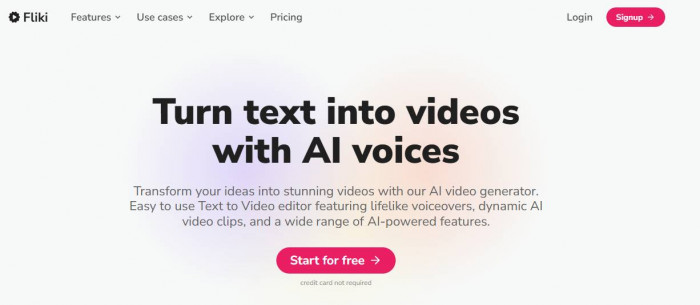
Fliki is one of the closest replacements for InVideo in terms of use case. It focuses on text-to-video with AI voiceovers. (https://fliki.ai/)
The workflow is straightforward. You input text, select voice and visuals, and generate videos quickly. This makes it ideal for faceless YouTube content.
Pricing starts around $21 per month and scales with credits and usage.
The limitation is visual originality. Like InVideo, it relies heavily on stock assets.
Where it beats InVideo
1. Faster text-to-video workflow
2. Strong AI voice integration
3. Better for faceless content
Where it still fails
1. Stock-heavy visuals
2. Limited customization
3. Credit-based friction remains
HeyGen
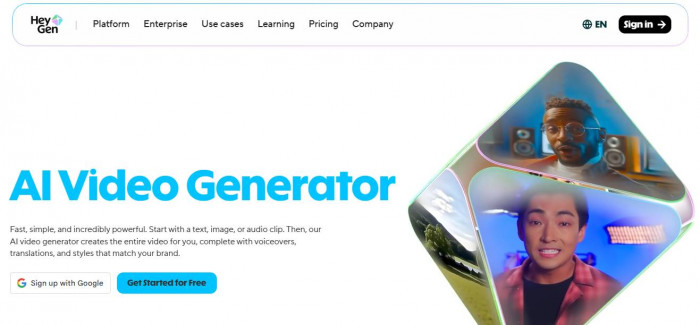
HeyGen is similar to Synthesia but more focused on marketing use cases. It provides avatar-based videos with better personalization options. (https://www.heygen.com/)
It works well for sales outreach, explainers, and product demos.
Pricing starts around $29 per month, and scaling depends on usage.
The limitation is the same as other avatar tools. It cannot replace full video creation workflows.
Where it beats InVideo
1. High-quality avatar videos
2. Strong personalization features
3. Consistent output
Where it still fails
1. Limited use cases
2. Expensive for volume
3. Not suited for content creators
Pricing reality check
| Tool | 10 Videos/Month Cost | Unlimited Plan | Credit System | Hidden Cost Risk |
| Pictory | ~$19–$39 | Yes | No | Low |
| Synthesia | ~$22–$67 | No | No | Medium |
| VEED | ~$18–$30 | Yes | No | Low |
| Descript | ~$15–$30 | Yes | Partial | Low |
| Kapwing | ~$16–$32 | Yes | No | Low |
| Runway | ~$15+ | No | Yes | High |
| Canva | ~$12.99 | Yes | No | Low |
| Fliki | ~$21–$66 | No | Yes | Medium |
| HeyGen | ~$29–$89 | No | Yes | High |
The pattern is clear. Credit-based tools penalize iteration. Subscription tools scale better for consistent production.
Tool positioning
- High automation, low control: Fliki, Pictory, InVideo
- Balanced: VEED, Kapwing, Canva
- High control, lower automation: Runway, Descript
- Separate category: Synthesia, HeyGen
Conclusion
- Fliki is the best alternative for faceless YouTube and fast content generation.
- Synthesia or HeyGen works best for business and professional communication where consistency matters more than creativity.
- VEED is the strongest option if you want control without losing AI assistance.
- Pictory is the most efficient for repurposing blogs into video.
The closest true replacement for InVideo is Fliki. It follows the same core model but executes faster and more consistently in real use cases.