

Table of Content
Three apps, one creator, one evening a day. That is how most gaming accounts burn out. Every platform wants its own video, its own caption and its own posting habit, and the editing pile grows faster than the views.
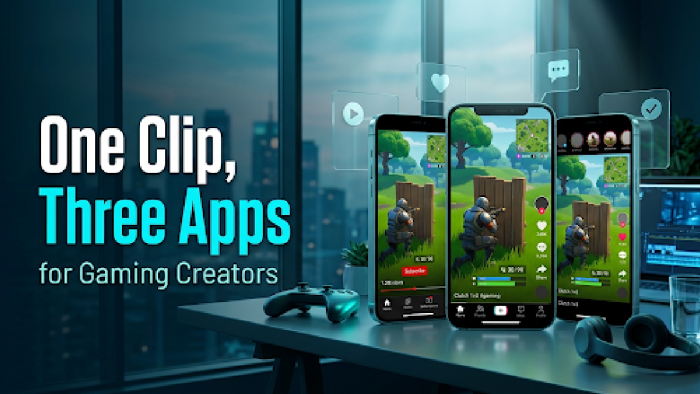
The fix is boring and it works. Cut one vertical clip, export it once and upload the same file to all three apps. Only the caption changes.
The source can be anything. A ranked clutch, a speedrun split, a funny death, or a screen recording of a new app such as a 1xbet account registration walkthrough. If a clip explains itself in a few seconds, it can travel.
Know what each app is good for
You do not need equal effort on all three. Each one does a different job.
YouTube Shorts is the slow burner. Clips keep getting found through search and suggestions for months, and gaming is a category the app pushes hard. TikTok is the fastest way to get a first wave of views when nobody knows you yet. Reels has the smallest gaming crowd of the three, so treat it as a free extra. If you already have followers on Instagram, repost there. If you do not, do not stress about it.
Starting from zero? Begin with Shorts and TikTok. Add Reels once the routine runs on its own.
Pick moments that need no explanation
The best clips run 15–45 seconds. Longer than that and the viewer has already left.
Check the setup before you cut. If you need a minute and a half of context to explain what just happened, skip it. A clutch, an ace, a near miss or a disaster works because everyone gets it right away.
You also do not need the biggest game of the month. Mid-sized games often hold viewers better, because fewer creators post the same moment and the audience is more specific. Rust and Escape from Tarkov are the usual examples.
Cut once, upload three times
Record or crop to vertical, 9:16. Put the payoff close to the start, so the first second already shows something happening. Add captions on screen, because many people watch with the sound off.
Then export one clean file.
Upload that original file to each app. Do not download from one app and repost to another. Watermarks from other platforms look lazy and can hold back your reach.
Write the caption separately every time. A short plain line works on Shorts. TikTok likes a slightly looser, more casual tone. On Reels, keep it short and put the game name in the first words.
Post on a schedule you can actually keep
Once a day on each app is the ideal. If that is too much, 3–4 times a week is the floor. Below that, the apps forget you.
Batch the work. Record on one day, edit on another, and schedule uploads where the app allows it. Two hours on a Sunday beats thirty minutes of panic every night.
Do not wait for perfect edits. Short clips reward speed. A decent clip posted today beats a flawless one posted next week.
Add longer videos after the habit sticks
After about 90 days of regular short clips, start mixing in something longer. A weekly montage, a tip video for one game, a reaction video. The short clips bring people in, and the long videos give them a reason to stay.
Do not lead with long videos. You will have no audience for them yet.
Check this before you hit post
- Captions are readable on a phone held at arm's length
- Nothing important sits in the bottom strip, where app buttons cover the picture
- Game sound and music are balanced, and you have the rights to the music
- The clip ends on the payoff, with no dead second at the end
- The caption names the game, so search can find the clip
Run through it once and it becomes a habit within a week. After that it takes under a minute.