

Table of Content
Core Difference
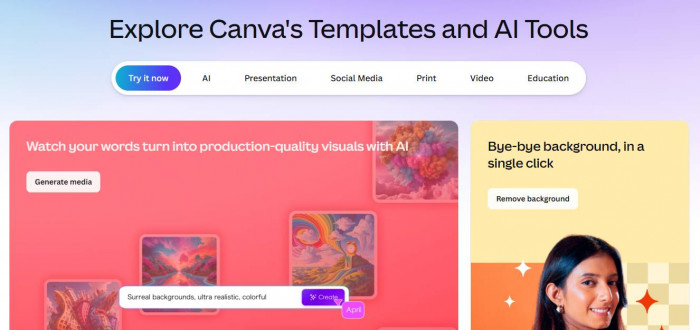
Canva operates as a multi-format design platform built around templates, brand kits, and drag-and-drop layouts, serving over 240 million users globally. Its strength is structured content creation across formats like Instagram posts, presentations, ads, and documents, with built-in asset libraries and brand consistency tools.
CapCut, with over 200 million users, is positioned as an AI-first video editing platform focused on short-form content. Its workflow centers on timeline editing, automated captions, beat sync, and AI effects, making it more aligned with TikTok, Reels, and YouTube Shorts production rather than static or multi-format design.
Pricing Breakdown
| Plan | Canva | CapCut |
| Free | Yes | Yes |
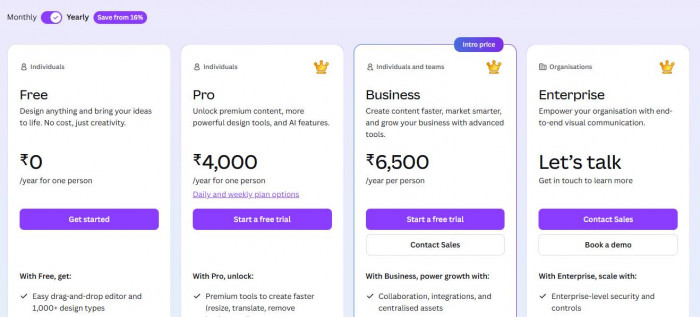
| Individual | ~$12.99/month (Pro) | ~$7.99–$19.99/month (Pro) |
| Teams | ~$14.99/user/month | Not team-focused |
Canva’s pricing is tied to branding infrastructure and asset access, where Pro unlocks brand kits, premium templates, and stock media. Teams pricing increases per user, making it more suitable for businesses managing shared design systems.
CapCut’s pricing is structured around AI features and editing capabilities, where the free plan already includes advanced tools like auto captions and transitions. The Pro tier primarily unlocks premium effects, advanced AI tools, and export enhancements rather than collaboration features.
Feature Comparison
| Feature | Canva | CapCut |
| Templates | 500K+ design templates | Limited, video-focused templates |
| AI Tools | Magic Write, background remover, design AI | Auto captions, beat sync, AI video tools |
| Video Editing Depth | Basic timeline, limited controls | Full timeline editing with layers |
| Branding Tools | Brand kits, fonts, colors | Minimal branding support |
| Collaboration | Real-time editing, comments, teams | Limited collaboration features |
Workflow Comparison
Canva uses a template-first workflow, where users start with pre-designed layouts and customize text, images, and elements. This approach works well for ads, presentations, and branded social media posts, especially when producing content in batches. The platform allows resizing across formats instantly, but its video editing remains limited to basic trimming, transitions, and overlays, without deep timeline control.
CapCut follows a timeline-based editing workflow, similar to traditional video editors but enhanced with automation. Features like auto captions, silence removal, and beat sync reduce editing time significantly. For example, generating captions for a 60-second video can take under 10 seconds, compared to manual captioning in Canva, which requires adding text elements individually. However, CapCut lacks structured templates for multi-format content, making non-video workflows slower.
Ratings & Reviews
| Platform | Canva Rating | CapCut Rating |
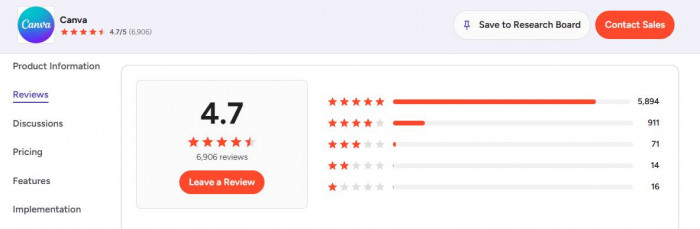
| G2 | ~4.7/5 | — |
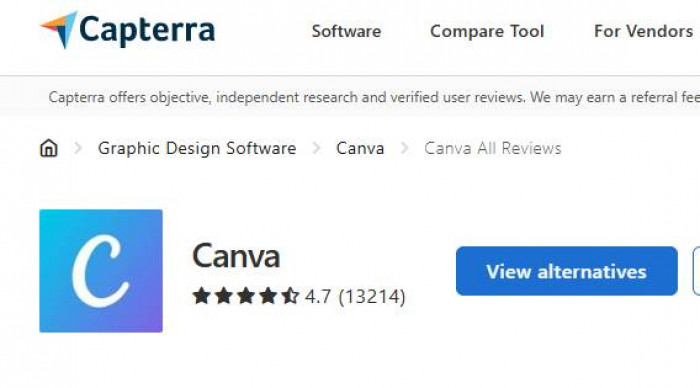
| Capterra | ~4.7/5 | — |
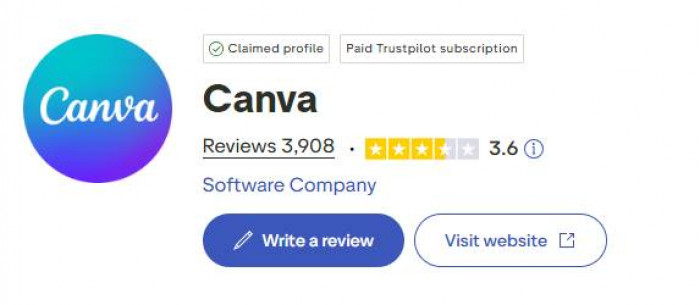
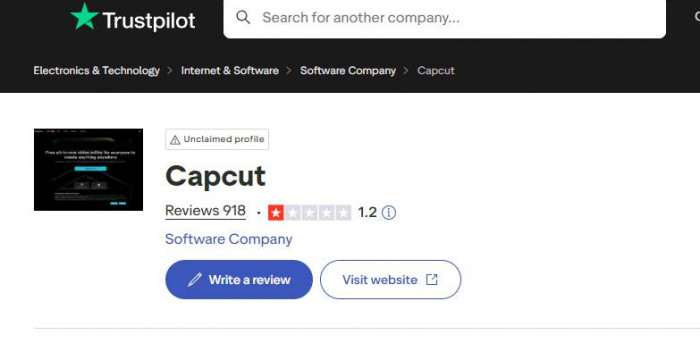
| Trustpilot | ~3.6/5 | ~1.2/5 |
Canva’s high ratings on G2 and Capterra reflect its template system and collaboration features, while its lower Trustpilot score is largely driven by billing complaints and subscription issues. CapCut’s ratings are slightly lower but more consistent, reflecting strong performance in video editing but fewer features outside that niche.
Performance Reality
Canva performs best when content requires consistency across formats, such as creating 10–20 ad variations or maintaining a brand identity across platforms. Its brand kit system and template reuse reduce design time significantly, especially for teams. However, video production remains slower because automation is limited and edits are manual.
CapCut outperforms Canva in video production speed and automation, particularly for short-form content. Features like auto captions, smart cuts, and pre-built transitions allow creators to produce a complete video in minutes. For example, editing a 30–60 second Reel with captions and effects can take 5–10 minutes in CapCut, compared to 20–30 minutes in Canva due to manual adjustments.
The trade-off is format flexibility. Canva supports multiple content types in one workspace, while CapCut is optimized almost entirely for video, making it less efficient for broader marketing workflows.
Use-Case Decision
- If you create short-form videos daily, CapCut fits better. Its auto captions, beat sync, and AI cuts reduce editing time to 5–10 minutes per video, but it lacks branding tools, so visual consistency needs manual effort.
- If your focus is ads, posts, and brand consistency, Canva works better. Its templates and brand kits let you create multiple formats in one go, but video editing remains limited and slower.
- If you work in a team or agency setup, Canva is stronger. The ~$14.99/user/month Teams plan supports collaboration and approvals, while CapCut lacks structured workflows for multi-user editing.
Final Verdict
- Best for video: CapCut
- Best for design: Canva
- Best overall: Use both (Canva for branding, CapCut for video speed)