

Table of Content
- Snapshot: AI Workflow Automation Tools You Need to Know
- Category 1: “Just Make It Work” Automation
- Category 2: “We Think in Systems” Automation
- Category 3: “We Build with Code and Agents” Automation
- Category 4: “Automation as Infrastructure” for Enterprises
- Category 5: “Give Me an AI Colleague” Automation
- Putting It All Together: Matching Tools to Reality
- Can AI workflow tools replace people
The Reality: Most Teams Automate Less Than They Could
A marketer builds three Zaps, then stops touching automation for six months. A product led startup wires two webhooks between Stripe and Slack and calls it “AI workflow automation”. A large enterprise spends a year in an iPaaS implementation and still routes half of its approvals in email.

The problem is not a shortage of AI workflow automation tools in 2026. The problem is choosing a platform that matches how your people think, how complex your processes really are and how you want to grow.
AI has changed the game. Automations are no longer just “when X happens, do Y”. Modern AI workflow automation tools can read unstructured text, decide what is important, search across systems, generate content, call APIs, route requests, and improve over time. That means the gap between “we connected two apps once” and “we actually run this company on AI workflows” is wider than ever.
This guide takes a practical angle. Instead of just listing tools, it groups them by mindset.
- Tools for people who think in apps and are not technical.
- Tools for people who think in systems and want visual control.
- Tools for engineers who think in code and agents.
- Tools for companies that treat automation as infrastructure, not a side project.
Within those groups you will see where Zapier, Make, n8n, Microsoft Power Automate, Workato, Lindy, Pipedream and Activepieces actually fit.
Snapshot: AI Workflow Automation Tools You Need to Know
| Tool | Core Personality | Typical Buyer | Pricing Starting Point | AI Strength |
| Zapier | App connector and automation starter kit | Non technical teams and SMBs | Free, paid around 20 dollars per month | AI builder and agents on a huge app ecosystem |
| Make | Visual systems builder | Ops teams, agencies, power users | Free, paid around 9 dollars per month | AI steps in a canvas view |
| n8n | Automation engine for developers | Engineering teams, AI agent builders | Self hosted free, cloud around mid twenties per month | Deep AI flows and execution based pricing |
| Microsoft Power Automate | Automation inside Microsoft 365 | IT and Microsoft centric orgs | Bundled and paid per user | Copilot plus AI Builder and desktop automation |
| Workato | Enterprise integration backbone | Enterprise IT, RevOps, finance | Custom, often five figures yearly | Governed AI and agent orchestration |
| Lindy | AI colleague model | Founders, sales and support teams | Free, paid around 49 dollars per month | Plain language “AI employee” agents |
| Pipedream | API lab for developers | Developers and data engineers | Free, paid around 45 dollars per month | AI enhanced code workflows |
| Activepieces | Open source Zapier style | Startups, technical founders | Self hosted free, cloud around 8 dollars per month | AI actions in open source flows |
Now let us explore how each category actually behaves in the real world.
Category 1: “Just Make It Work” Automation
These are the AI workflow automation tools you hand to a non technical marketer, salesperson or founder and watch them build something useful within an afternoon.
Zapier: The Default Starting Point
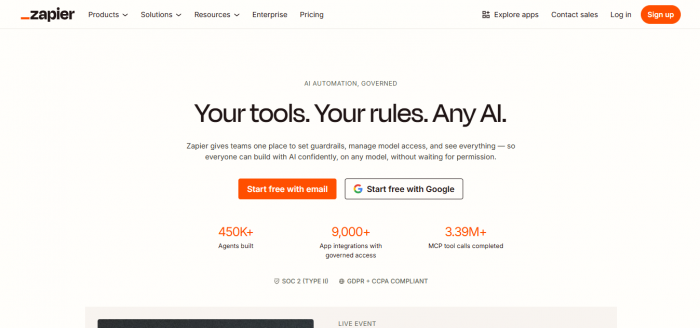
Zapier is still the first automation tool many people learn. It focuses on three ideas.
- Almost every SaaS app you use is already connected.
- You do not need to understand APIs to connect them.
- You can describe what you want in normal language and let the AI builder propose a draft.
In 2026, Zapier feels less like a long list of triggers and more like a companion that asks “What are you trying to automate?” and then lays out the skeleton.
Common use cases include:
- New leads in a form tool added to a CRM, scored, and sent to email and Slack.
- Content publication events triggering social posts, internal announcements and reporting rows.
- Payment events in Stripe updating multiple internal tools.
Zapier’s AI layer creates agents that can, for example, watch for certain patterns in data and then choose from a set of actions without needing a fully rigid flow.
The trade off comes when you push Zapier into deep complexity. Every action counts as a task. When AI enters the picture and workflows gain many steps, the bill follows. For some teams that is fine, because the gains outweigh the cost. For others, it is a signal to move deeper into the automation spectrum.
Activepieces: Familiar Shape, Different Philosophy
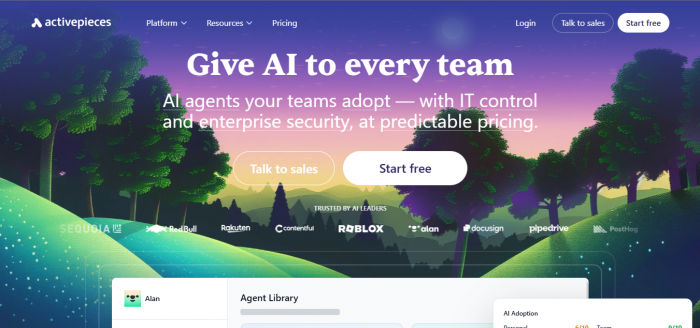
Activepieces feels like Zapier’s open source cousin. The flow builder is linear and friendly. The concepts are similar. The difference lies behind the scenes.
- You can self host the platform and avoid per task subscription fees.
- The code is open and accessible, which matters to technical teams.
- The cloud version is priced lower than many commercial platforms.
For small businesses and startups that want to keep infrastructure close while still giving non technical colleagues a simple builder, Activepieces is an appealing answer. Its AI actions are not as extensive as specialised AI tooling, but they cover everyday tasks like generating text, extracting data and classifying inputs.
This category balances ease of use, integration breadth and cost. It is where most teams prove that AI workflow automation is worth doing at all.
Category 2: “We Think in Systems” Automation
These platforms appeal to people who enjoy thinking in flows, dependencies and data paths. They want to see the whole system on screen, not just a list of steps.
Make: The Whiteboard, but Live
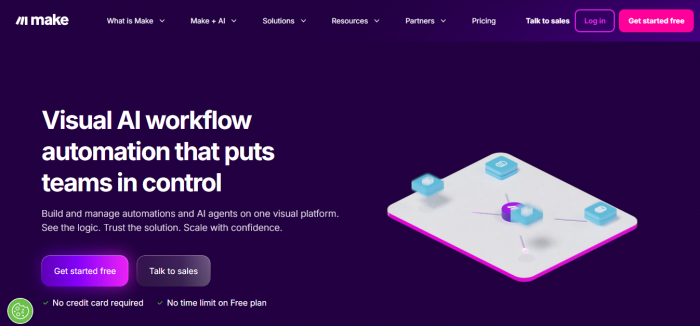
Make feels like a whiteboard that runs in production. You drag modules onto a canvas, connect them, and watch scenarios come to life. With AI modules added, these diagrams become living systems.
A workflow might:
- Pull new orders from Shopify.
- Branch by order size and region.
- Hit an AI module to summarise special instructions.
- Send a structured payload to a last-mile logistics system.
- Create a customer record in a help desk platform.
- Post a short AI generated summary into Slack for the account manager.
All of that appears as bubbles and arrows. For an operations lead or analytics manager, this way of seeing workflows is a natural match.
Make bills based on operations. Every module run, including checks, counts as one. AI modules may consume extra credits. That pushes teams to design intelligently, reduce unnecessary polling and consolidate logic. The reward is powerful capability at a price many find attractive when compared to task based models.
Microsoft Power Automate: Systems Thinking in the Microsoft Universe
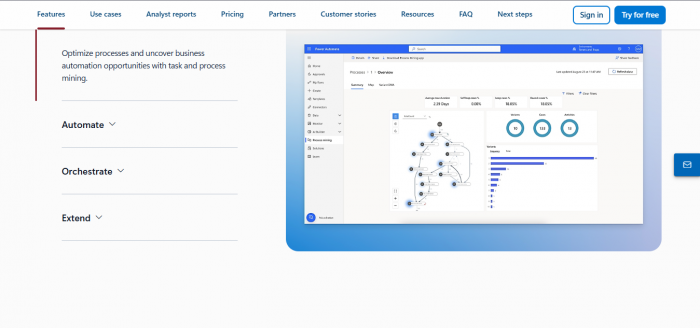
In Microsoft focused organisations, Power Automate becomes the view of the system.
Instead of a generic automation tool, it turns into the connection layer for:
- SharePoint document approvals with AI powered classification and extraction.
- Teams notifications triggered by Dynamics events.
- AI Builder models that parse invoices or contracts and feed data back into Excel or Power BI.
- Desktop flows that drive legacy applications where no APIs exist.
For someone used to designing SharePoint structures and Excel formulas, Power Automate feels like an extension of the same mental model. AI arrives through Copilot and AI Builder, but the real power is that all data stays inside the same security and identity perimeter.
This category is perfect for companies that already operate like systems thinkers and want their AI workflow automation tools to reflect that.
Category 3: “We Build with Code and Agents” Automation
These AI workflow tools attract teams for whom automation is not just convenience but part of the product or data strategy.
n8n: Automation Engine for AI Workflows
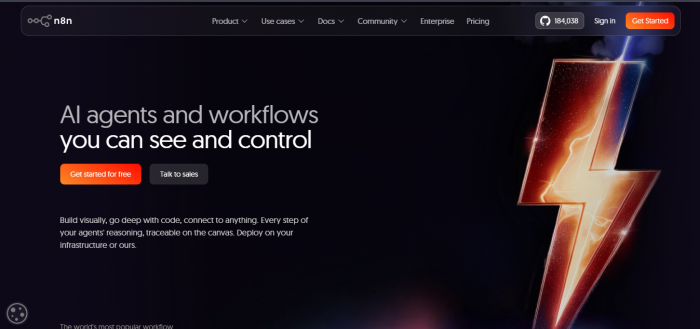
n8n is where automation meets developer culture. You still get a visual editor, but everything under the hood is geared toward flexibility.
Developers can:
- Build long chains of AI tasks that use multiple models.
- Store and query vector embeddings to give agents memory.
- Call internal and external APIs in any order they need.
- Deploy the whole engine on their own infrastructure.
The execution based pricing model is the key. Teams can design very complex AI workflows without worrying that each individual step will incur its own cost. That is one reason why n8n has become popular for building AI agents that do real work over many steps.
Self hosting is another differentiator. Organisations that must keep data in specific regions, or under specific compliance regimes, can choose to run n8n where they need it. Cloud plans sit on top for people who want the engine without managing servers.
Pipedream: Code First, Infrastructure Later
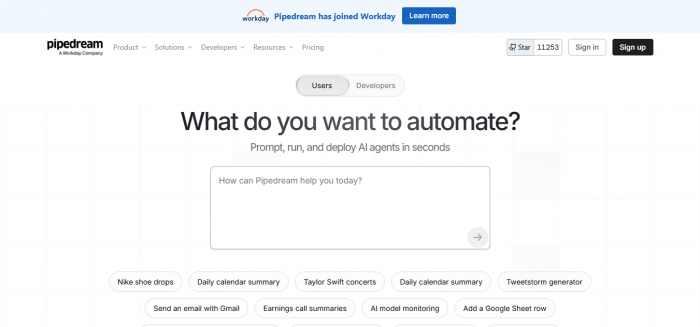
Pipedream is attractive to developers who are comfortable writing JavaScript or Python and who want AI powered workflows without setting up their own serverless infrastructure.
A flow is built from components, many of which already wrap popular APIs. In between those components, engineers write code. That code can include calls to language models, tools for parsing responses, and custom logic that would be awkward in a pure no code environment.
For AI workflow automation, this code first approach is powerful. You can build agents that react to events, inspect payloads, call multiple tools, and log every action. Pipedream handles scaling and logging so developers do not need to build that scaffolding from scratch.
This category is for teams that see automation as part of their engineering system. AI is not just layered on top. It lies inside the logic they are already writing.
Category 4: “Automation as Infrastructure” for Enterprises
These platforms are chosen when automation touches finance, compliance, HR, supply chain and customer data at scale.
Workato: Backbone for Enterprise Workflow Automation
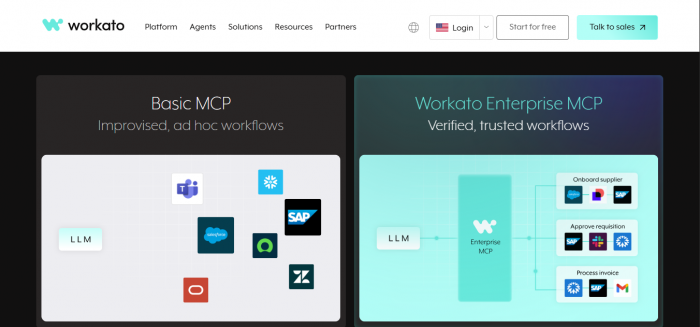
Workato is the tool that appears in conversations about enterprise workflow automation and iPaaS leadership. It is less about individual Zaps and more about recipes that represent full business processes.
A recipe might connect:
- Salesforce opportunities and NetSuite revenue schedules.
- Workday employee profiles and Active Directory access.
- Customer support platforms and billing systems.
Every step includes mappings, transformation rules, error handling and logging. AI enters through features that allow recipes to be exposed as safe skills for agents and language models. Instead of letting AI talk directly to core systems, Workato lets it call predefined, governed actions.
The pricing and implementation effort reflect this position. It is a platform bought with long term, cross department use in mind, not a tool teams expense on a card for a single project.
Microsoft Power Automate at Enterprise Scale
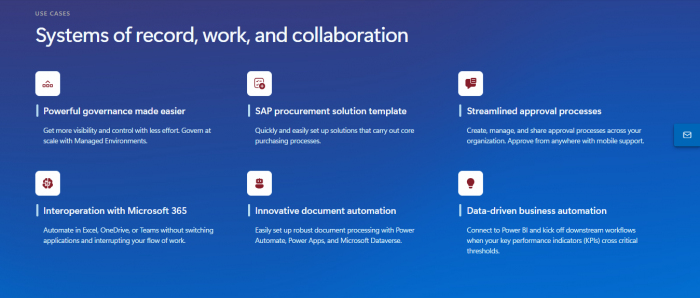
While Power Automate appears earlier in this guide as a systems tool, it also plays in the enterprise infrastructure space. For organisations already committed to Azure and Microsoft 365, it can become the central backbone for:
- AI powered invoice processing and approvals.
- Compliance workflows across SharePoint sites.
- Ticketing flows between internal IT systems and collaboration tools.
Pairing Copilot with Power Automate lets central teams define reusable building blocks that business units can adopt with guardrails. For some enterprises this combination is more attractive than adding another vendor to the stack.
In this category, the phrase “best AI tools for workflow automation” means “safest and most governable”, not just “fastest to set up”.
Category 5: “Give Me an AI Colleague” Automation
The final category contains tools that look more like digital coworkers than like traditional automation platforms.
Lindy: AI Employee Model
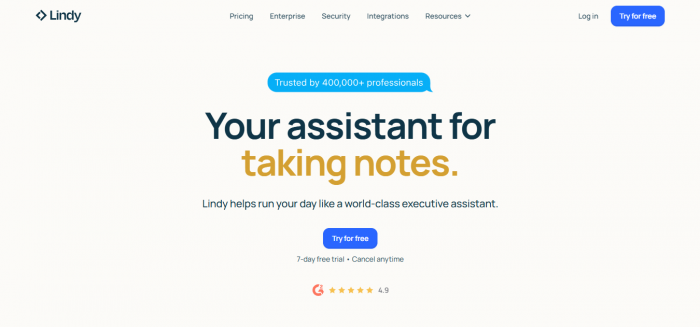
Lindy belongs to the emerging class of AI tools that describe themselves as employees rather than utilities. You create a “Lindy” for a function, such as support coordinator, sales assistant or scheduling manager. You explain what it should do, connect it to email, calendars, CRMs and knowledge bases, and then allow it to operate with defined permissions.
A Lindy assistant can:
- Read inbound messages and categorise them.
- Draft polite, context aware responses.
- Create and update records in your CRM.
- Coordinate calendars for multiple people.
- Capture meeting notes and action items.
Under the hood, the same components exist as in other AI workflow automation tools. Triggers, actions, integrations and AI calls. The difference is the mental model. Business users are not building sequences. They are shaping a role.
This category works well when the goal is to offload chunks of work owned by individuals, rather than to map cross system processes.
Putting It All Together: Matching Tools to Reality
There is no single “best AI workflow automation tool” for every situation. There are best fits for certain realities.
Think in terms of:
- Who has the time and skill to build and maintain workflows.
- How complex and cross functional your key processes are.
- How much you care about code level control, data residency and governance.
- How AI heavy your current and future workflows will be.
A small SaaS company with a marketing heavy culture may start with Zapier or Make and add Lindy for email and scheduling. A data driven startup with in house engineering talent might choose n8n and Pipedream as core tools. A Fortune scale enterprise might implement Workato and Power Automate side by side, with n8n in a research or AI lab.
The real advantage comes not from picking a trendy platform, but from selecting a stack your team can live in every day.
Can AI workflow tools replace people
AI workflow automation tools can replace repetitive tasks such as data entry, status updates, simple classifications and template based responses. They cannot replace ownership, judgment, strategy or accountability. The most productive organisations in 2025 are those that reassign humans to higher value work while automation quietly handles the repetitive layers underneath.