

Table of Content
If you’ve used Viggle AI — the AI tool that lets you animate faces and characters from still images or replace characters in videos — you’ll know how fun and addictive it can be for creating quick meme-style clips and animated shorts. It uses motion transfer to make characters walk, dance, or express emotions with smooth, physics-based motion.
However, creators often look for alternatives because Viggle AI can feel limited in resolution, customization options, and advanced video features when compared to newer tools on the market. Some creators want higher quality visuals, text-to-video generation, cinematic control, or tools better suited for professional and business content.
Below is a practical, easy-to-understand guide to great alternatives you can try — whether you’re a beginner, casual creator, or pro designer.
Top AI Tools Similar to or Better Than Viggle AI
Runway AI (Gen-4)
What it is & how it works:
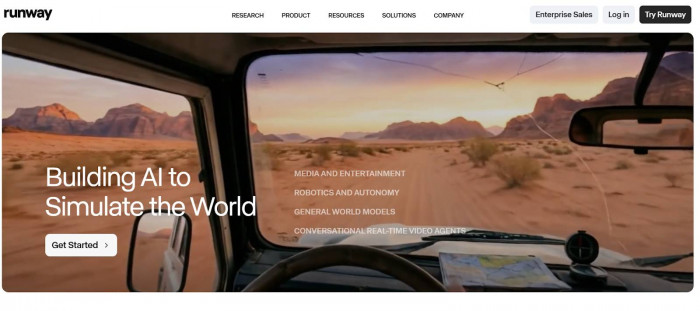
Runway is a full-featured AI video platform that lets you create videos from text, images, or video clips. The Gen-4 model produces short animated clips with consistent motion and camera effects.(Runway AI)
Key features:
● Text-to-video and image-to-video generation
● Motion brush & camera control
● Mix media inputs for layered animation
Best use cases:
● Social media shorts, ads, cinematic visuals, creative storytelling
Pros:
● Powerful control over motion and visuals
● Great for creators who want fine-tuned results
Limitations:
● Slight learning curve for advanced features
Kling AI
What it is & how it works:
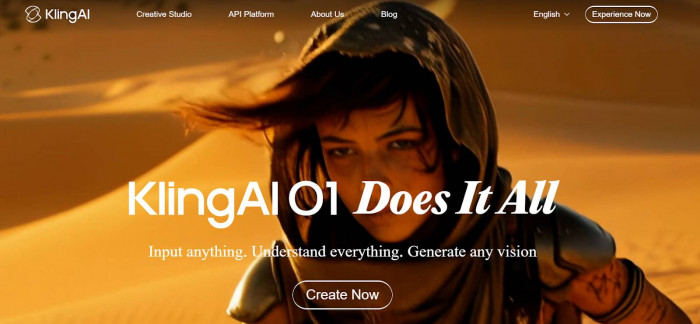
Kling AI focuses on realistic motion animation. It’s strong in cinematic quality and motion consistency — great if you want video quality beyond simple meme templates.(Kling AI)
Key features:
● Image-to-video and text-to-video generation
● Motion tools like a brush that guides movement
● Effect library for creative enhancements
Best use cases:
● Filmmakers, social creatives, ad videos
Pros:
● Sharp, high-detail motion and visuals
● Useful for storytelling and polished content
Limitations:
● Paid plans often needed for best results
Pollo AI
What it is & how it works:
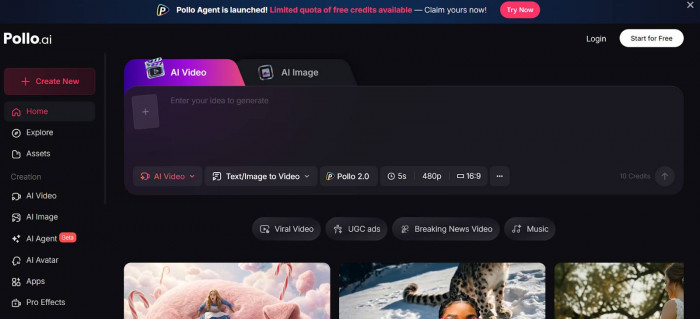
Pollo AI is an all-in-one video generator — combining many powerful video models under one platform (including Runway, Kling, Google Veo and more). (Pollo AI)
Key features:
● Text-to-video & image-to-video
● AI avatar & motion video generation
● Video upscaling & editing tools
Best use cases:
● Quick social media content, creative experiments, business promos
Pros:
● Very flexible and intuitive
● Great for beginners and advanced users alike
Limitations:
● Performance can be inconsistent at times
DomoAI
What it is & how it works:
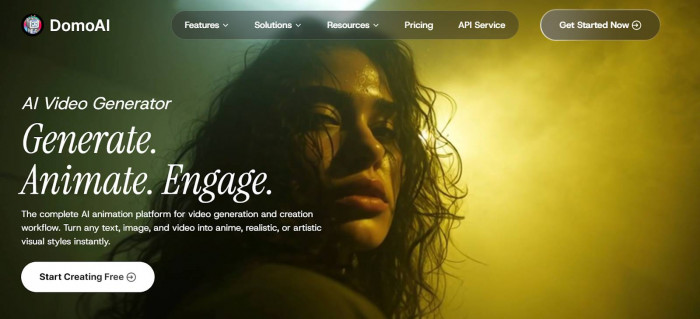
DomoAI specializes in character animation, especially for stylized or anime-style content. It keeps the original art style intact while applying motion.(DomoAI)
Key features:
● Stylized motion templates
● Image-to-video motion-capture
● Pre-made viral templates
Best use cases:
● Anime creators, VTubers, fun meme content
Pros:
● Great for stylized, artistic animations
● Easy interface for beginners
Limitations:
● Not ideal for highly cinematic or realistic motion
Dream Machine (by Luma Labs)
What it is & how it works:
Dream Machine is a text-to-video AI that can generate motion from text descriptions or still images.(Dream Machine)
Key features:
● Prompt-based video creation
● Motion generation from simple text
Best use cases:
● Storytelling, concept visuals, early creative sketches
Pros:
● Great without needing reference videos
● User-friendly for beginners
Limitations:
● Output may lack motion finesse compared with cinema-oriented tools
Krikey AI
What it is & how it works:
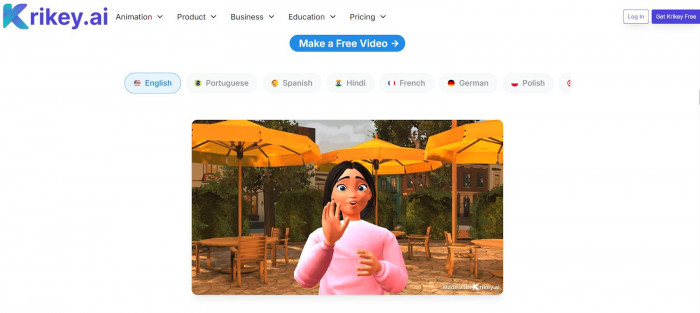
Krikey AI focuses on turning videos into 3D character animations — more immersive than simple motion swaps.(Krikey AI)
Key features:
● 3D character animation
● Voice synthesis & lip sync
● Integration with editing platforms
Best use cases:
● 3D shorts, story-driven content, advanced character animation
Pros:
● Very creative freedom
● Works well for deeper storytelling
Limitations:
● More complex than simple meme-style tools
Tips for Choosing the Right Alternative
● Beginners & casual creators: Start with Pollo AI or DomoAI — easy, template-driven, and fun.
● Free users: Look for free credits or trials (Pollo AI and Dream Machine often offer them).
● Professional creators: Runway AI and Kling AI deliver the best quality and controls.
● Businesses/marketing studios: Tools with text prompts and editing workflows (Runway, Krikey AI) help produce consistent branded content.
Final Tips Before You Start
● Experiment first: Try free credits or trial plans before paying.
● Pair tools: Many creators combine AI video generation (like Runway) with editing tools to polish results.
● Keep formats in mind: For social media, shorter clips (5–15 sec) often perform best.
If you want step-by-step tutorials for any specific tool (e.g., how to animate a photo with Runway or Pollo AI), just ask and I can guide you through the process.