

Table of Content
- Best AI Tools for Text-to-Video Generation
- Runway (Gen-3 Models)
- Luma AI (Dream Machine)
- Best AI Tools for Realistic, Cinematic Videos
- Kling AI
- OpenAI (Sora)
- Best AI Tools for Social Media Short Videos
- Kaiber
- InVideo (AI Version)
- Best AI Tools for Avatar & Talking Head Videos
- HeyGen
- Synthesia
- Best Free or Budget-Friendly Pika AI Alternatives
- CapCut (AI Features)
- Stable Diffusion (Video Extensions)
- Final Thoughts: The Future of AI Video Generation
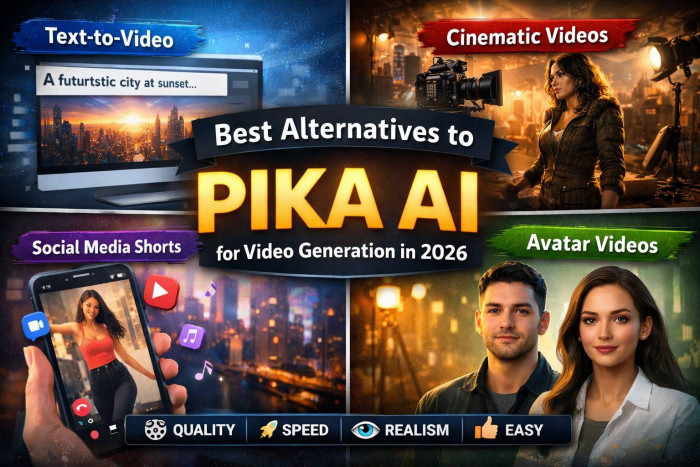
Pika AI helped popularize text-to-video, but many creators are now looking elsewhere. Common reasons include short video limits, inconsistent realism, limited editing control, rising prices, and difficulty creating longer or cinematic scenes. In 2026, AI video tools have matured fast and several now outperform Pika AI in specific creator workflows.
Instead of asking “Which AI video tool is best?”, the better question is:
“Which AI video tool is best for my type of content?”
Let’s break it down.
Best AI Tools for Text-to-Video Generation
Runway (Gen-3 Models)
What it is (simple explanation):
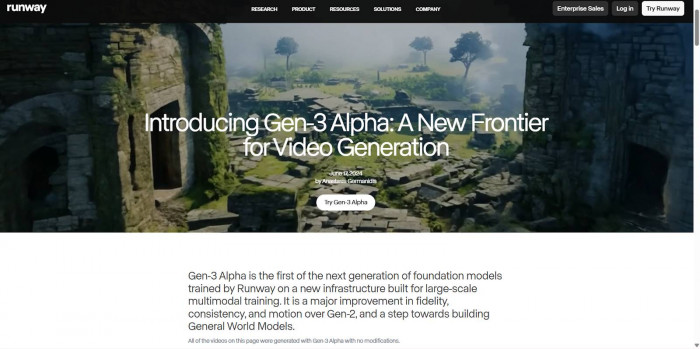
Runway lets you type a prompt (like a mini script) and turns it into short video clips. You can also upload images or videos and transform them with AI. Runway (Gen-3 Models)
Key features vs Pika AI
● More consistent motion and object behavior
● Strong prompt-to-scene accuracy
● Timeline-style editing tools
● Better control over camera movement
Strengths
● Excellent balance between quality and ease of use
● Works well for storytelling and concept videos
● Strong community templates
Weaknesses
● Clips still need stitching for long videos
● Can be slow during peak usage
Pricing
● Free tier with limits
● Paid plans for higher resolution and longer generations
Best for
● YouTubers
● Indie creators
● Educators
● Beginners who want clean results fast
Luma AI (Dream Machine)
What it is:
Luma focuses on turning text into visually smooth, realistic scenes, especially environments and camera movement. Luma AI
Key features vs Pika AI
● Superior 3D-like camera motion
● Strong physics and depth perception
● Better landscape and cinematic shots
Strengths
● Extremely realistic motion
● Great for mood shots and cinematic B-roll
Weaknesses
● Less character-focused
● Limited fine-grained editing
Pricing
● Limited free access
● Paid tiers for higher output volume
Best for
● Filmmakers
● Visual storytellers
● Music video creators
Best AI Tools for Realistic, Cinematic Videos
Kling AI
What it is:
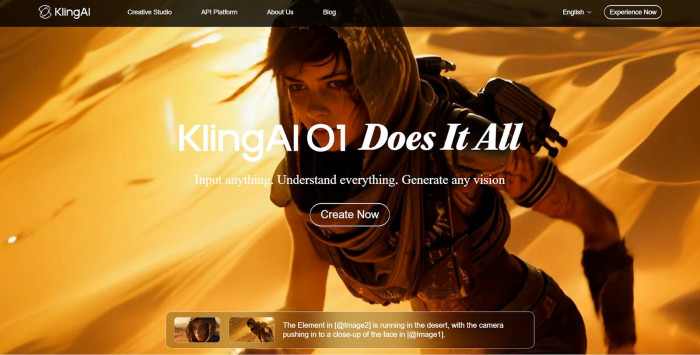
Kling is designed for hyper-realistic human movement, lighting, and facial expressions. Kling AI
Key features vs Pika AI
● More lifelike humans
● Longer, more coherent scenes
● Strong cinematic lighting
Strengths
● Some of the best realism available in 2026
● Excellent for dramatic scenes
Weaknesses
● Slower rendering
● Limited availability in some regions
Pricing
● Mostly paid access
● Credits-based system
Best for
● Short films
● Ads
● High-end visual storytelling
OpenAI (Sora)
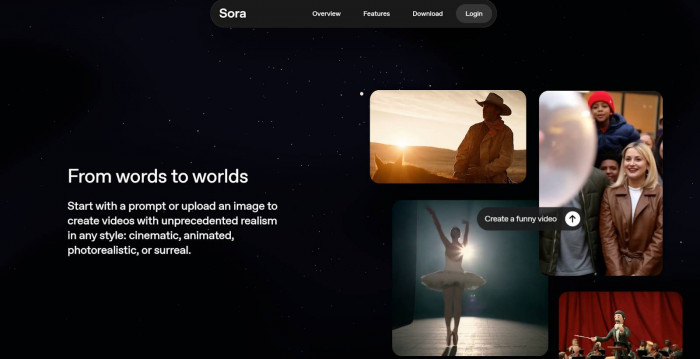
What it is:
Sora generates longer, story-driven videos from detailed text prompts. OpenAI(Sora)
Key features vs Pika AI
● Much longer video duration
● Strong narrative understanding
● Realistic world simulation
Strengths
● Best-in-class realism and coherence
● Handles complex scenes well
Weaknesses
● Expensive
● Limited public access
Pricing
● Premium, professional-tier pricing
Best for
● Film studios
● Agencies
● High-budget creators
Best AI Tools for Social Media Short Videos
Kaiber
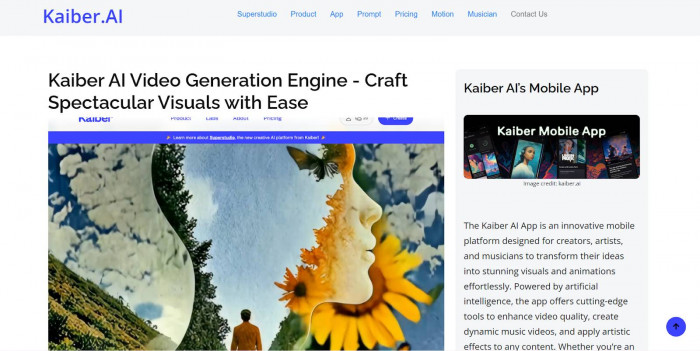
What it is:
Kaiber turns music, images, or prompts into animated short videos optimized for TikTok, Reels, and Shorts. Kaiber
Key features vs Pika AI
● Beat-synced animations
● Style presets for fast creation
● Vertical-first formats
Strengths
● Very fast
● Easy for beginners
● Music-driven visuals
Weaknesses
● Less realism
● Limited storytelling depth
Pricing
● Free trial
● Affordable paid plans
Best for
● Social media creators
● Musicians
● Influencers
InVideo (AI Version)
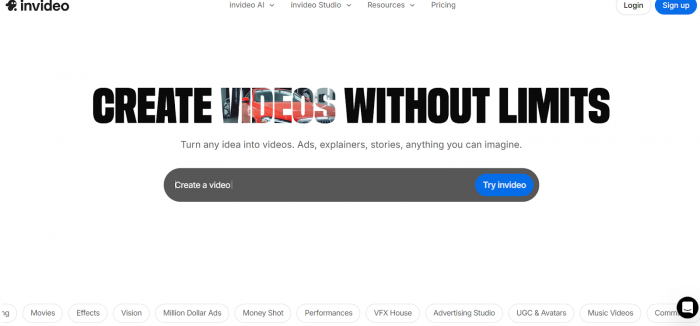
What it is:
InVideo converts scripts into short, captioned videos using stock footage and AI visuals. InVideo (AI Version)
Key features vs Pika AI
● Auto captions
● Stock + AI hybrid videos
● Fast export
Strengths
● Very beginner-friendly
● Great for marketing content
Weaknesses
● Less creative freedom
● Not fully cinematic
Pricing
● Free with watermark
● Paid plans for clean exports
Best for
● Marketers
● Small businesses
● Faceless content channels
Best AI Tools for Avatar & Talking Head Videos
HeyGen
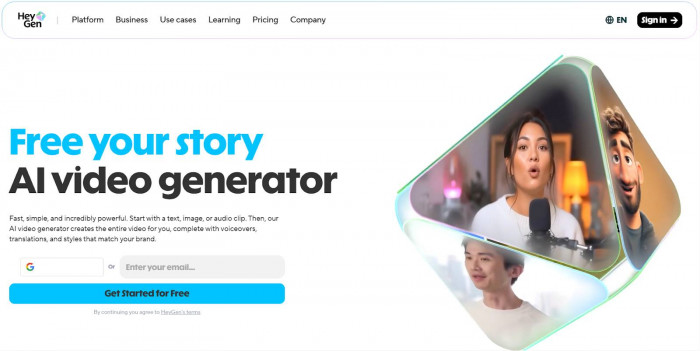
What it is:
HeyGen creates realistic talking avatars from text or uploaded voice. HeyGen
Key features vs Pika AI
● Human-like lip sync
● Multi-language support
● Custom avatars
Strengths
● Extremely easy to use
● Professional look
Weaknesses
● Not for cinematic storytelling
● Limited creative visuals
Pricing
● Paid plans only (limited trial)
Best for
● Educators
● Corporate training
● Sales videos
Synthesia
What it is:
Synthesia focuses on professional AI presenters for business content. Synthesia
Key features vs Pika AI
● Studio-quality avatars
● Brand customization
● Enterprise features
Strengths
● Polished and reliable
● Ideal for teams
Weaknesses
● Expensive
● Creative limitations
Pricing
● Paid only
Best for
● Enterprises
● HR teams
● Internal communications
Best Free or Budget-Friendly Pika AI Alternatives
CapCut (AI Features)
What it is:
CapCut combines traditional editing with AI-generated visuals, captions, and effects. CapCut (AI Features)
Strengths
● Free
● Mobile-friendly
● Great for short videos
Weaknesses
● Limited pure text-to-video
● Less cinematic control
Best for
● Beginners
● TikTok creators
● Budget-conscious users
Stable Diffusion (Video Extensions)
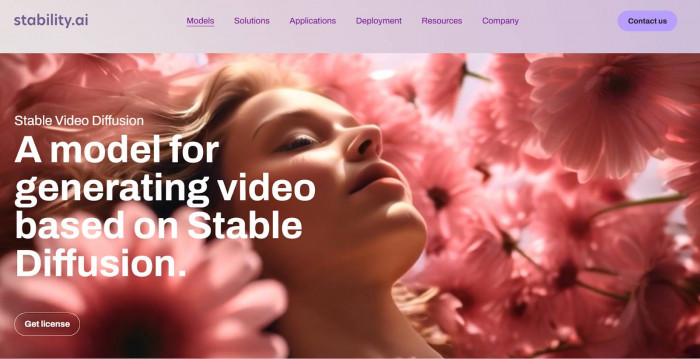
What it is:
Open-source AI models that can generate video frames locally with the right setup. Stable Diffusion (Video Extension)
Strengths
● Free
● Highly customizable
Weaknesses
● Steep learning curve
● Requires powerful hardware
Best for
● Technical creators
● Experimenters
● Indie developers
Final Thoughts: The Future of AI Video Generation
By 2026, AI video generation is no longer about novelty—it’s about control, consistency, and storytelling. We’re moving toward tools that:
● Generate longer, coherent scenes
● Allow real editing, not just prompting
● Blend AI generation with human creativity
● Adapt content automatically for different platforms
Pika AI helped start the wave—but the future belongs to specialized tools built for specific creator goals. Choosing the right alternative isn’t about hype—it’s about matching the AI to how you create.
If you want, I can also:
● Recommend the best tool based on your content type
● Create a decision flowchart
● Compare Pika AI vs one specific alternative side by side