

Table of Content
- 1. Hootsuite
- What it is
- Key features
- How it helps grow social media accounts
- Best use cases
- Pricing overview
- Pros
- Cons
- 2. Buffer
- What it is
- Key features
- How it helps grow social media accounts
- Best use cases
- Pricing overview
- Pros
- Cons
- 3. SocialPilot
- What it is
- Key features
- How it helps grow social media accounts
- Best use cases
- Pricing overview
- Pros
- Cons
- 4. Later
- What it is
- Key features
- How it helps grow social media accounts
- Best use cases
- Pricing overview
- Pros
- Cons
- 5. Sprout Social
- What it is
- Key features
- How it helps grow social media accounts
- Best use cases
- Pricing overview
- Pros
- Cons
- 6. Metricool
- What it is
- Key features
- How it helps grow social media accounts
- Best use cases
- Pricing overview
- Pros
- Cons
- Emerging AI Scheduling Tool to Watch
- Final Recommendation Summary
Posting consistently on social media is one of the biggest factors behind growth, reach, and engagement—but staying consistent is hard. Between creating content, writing captions, and posting at the right time, social media can quickly feel overwhelming.
That’s where AI-powered scheduling tools come in. They save time, automate posting, and help you stay active without being online 24/7.
This article is for creators, marketers, small businesses, agencies, and beginners who want simple, reliable tools to manage and grow their social media accounts.
1. Hootsuite
What it is
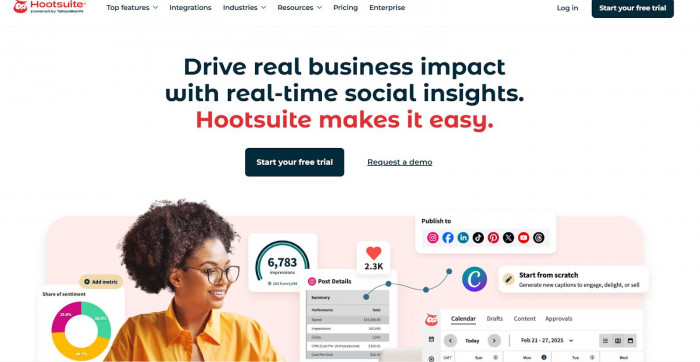
Hootsuite is one of the most well-known social media management tools, offering scheduling, analytics, and team collaboration in one dashboard. Hootsuite
Key features
● AI-powered caption suggestions
● Post scheduling across multiple platforms
● Content calendar
● Social media analytics
● Team collaboration and approvals
How it helps grow social media accounts
Hootsuite helps you post consistently, analyze what works, and optimize your content strategy using performance insights.
Best use cases
● Businesses
● Agencies
● Social media managers
● Teams managing multiple accounts
Pricing overview
● Free plan: Limited (often trial-based)
● Paid plans: Start around $99/month
Pros
● Very powerful analytics
● Supports many platforms
● Great for teams
Cons
● Expensive for beginners
● Can feel complex at first
2. Buffer
What it is
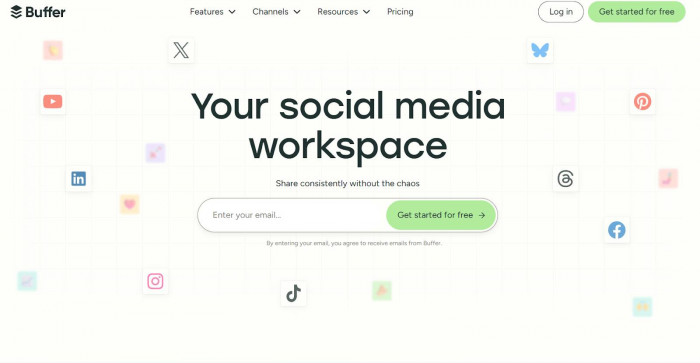
Buffer is a clean and beginner-friendly tool designed for easy scheduling and content planning. Buffer
Key features
● Post scheduling
● Simple content calendar
● AI caption assistant
● Basic analytics
● Multi-platform posting
How it helps grow social media accounts
Buffer makes it easy to stay consistent, which helps improve reach and engagement over time.
Best use cases
● Solo creators
● Small businesses
● Beginners
● Bloggers
Pricing overview
● Free plan available
● Paid plans start around $6/month per channel
Pros
● Very easy to use
● Affordable
● Clean interface
Cons
● Limited advanced analytics
● Fewer automation features
3. SocialPilot
What it is
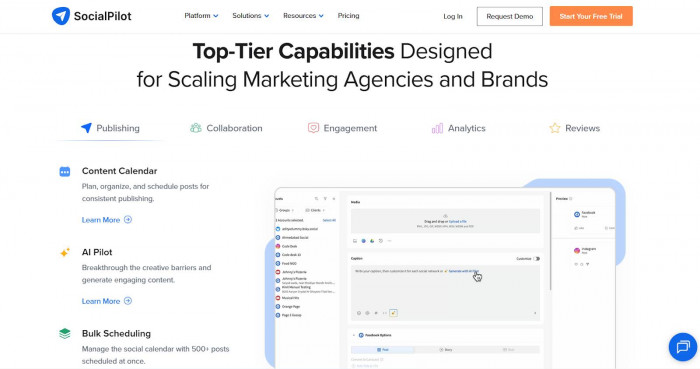
SocialPilot is a cost-effective social media scheduling tool built for professionals and agencies. SocialPilot
Key features
● AI content suggestions
● Bulk scheduling
● Content calendar
● Analytics and reports
● Client management
How it helps grow social media accounts
It saves time with bulk scheduling and helps track performance to improve future content.
Best use cases
● Agencies
● Freelancers
● Small to medium businesses
Pricing overview
● Free trial available
● Paid plans start around $30/month
Pros
● Great value for money
● Strong scheduling features
● Good for multiple accounts
Cons
● Interface feels less modern
● AI features are basic
4. Later

What it is
Later focuses on visual content planning, especially for Instagram, TikTok, and Pinterest. Later
Key features
● Visual content calendar
● AI caption suggestions
● Hashtag recommendations
● Best-time-to-post suggestions
● Link-in-bio tool
How it helps grow social media accounts
Later helps you plan attractive feeds and post at optimal times to increase engagement.
Best use cases
● Instagram creators
● Influencers
● E-commerce brands
● Visual-first content creators
Pricing overview
● Free plan available
● Paid plans start around $25/month
Pros
● Excellent visual planning
● Beginner-friendly
● Strong Instagram features
Cons
● Limited analytics on lower plans
● Less suited for text-heavy platforms
5. Sprout Social
What it is
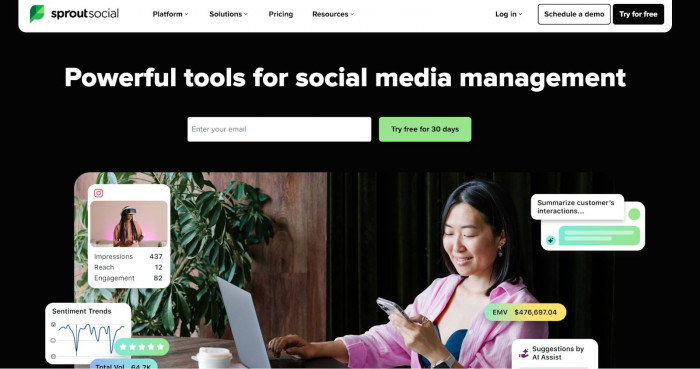
Sprout Social is a premium, enterprise-level social media management and analytics tool. Sprout Social
Key features
● Advanced analytics and reports
● AI-powered insights
● Content scheduling
● Social inbox
● Team collaboration tools
How it helps grow social media accounts
Sprout Social helps brands understand audience behavior and refine content strategies using deep analytics.
Best use cases
● Large brands
● Enterprises
● Marketing teams
● Agencies with big clients
Pricing overview
● No free plan
● Paid plans start around $249/month
Pros
● Extremely powerful analytics
● Professional-grade features
● Excellent reporting
Cons
● Very expensive
● Overkill for beginners
6. Metricool
What it is
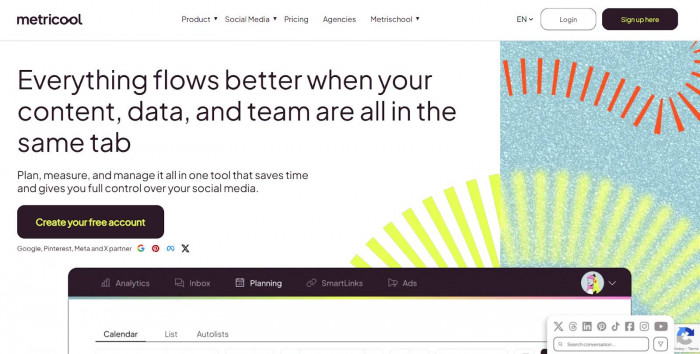
Metricool is an all-in-one scheduling and analytics platform that’s especially popular with creators and marketers. Metricool
Key features
● Post scheduling
● AI caption generator
● Detailed analytics
● Content calendar
● Competitor analysis
How it helps grow social media accounts
Metricool shows what content performs best so you can post smarter and grow faster.
Best use cases
● Content creators
● YouTubers
● Social media marketers
● Small businesses
Pricing overview
● Free plan available
● Paid plans start around $18/month
Pros
● Great analytics
● Affordable
● Easy to understand
Cons
● Interface can feel busy
● Limited team features on lower plans
Emerging AI Scheduling Tool to Watch
● Publer – Known for AI captions, post recycling, and affordable pricing for creators and small teams.
Final Recommendation Summary
● Best for budget users: Buffer, Metricool
● Best for beginners: Buffer, Later
● Best for creators & influencers: Later, Metricool
● Best for agencies: SocialPilot, Hootsuite
● Best for professionals & enterprises: Sprout Social
If you’re just starting out, choose a simple tool and focus on consistency. As your audience grows, you can upgrade to more advanced platforms that offer deeper analytics and automation.