

Table of Content
- 1. ChatGPT
- What it does
- Best for
- Key Features
- Real-World Use Cases
- Pros
- Cons
- 2. Canva (Magic Studio)
- What it does
- Best for
- Key Features
- Real-World Use Cases
- Pros
- Cons
- 3. CapCut
- What it does
- Best for
- Key Features
- Real-World Use Cases
- Pros
- Cons
- 4. Opus Clip
- What it does
- Best for
- Key Features
- Real-World Use Cases
- Pros
- Cons
- 5. Descript
- What it does
- Best for
- Key Features
- Real-World Use Cases
- Pros
- Cons
- 6. VEED.io
- What it does
- Best for
- Key Features
- Real-World Use Cases
- Pros
- Cons
- 7. Runway
- What it does
- Best for
- Key Features
- Real-World Use Cases
- Pros
- Cons
- 8. Notion AI
- What it does
- Best for
- Key Features
- Real-World Use Cases
- Pros
- Cons
- How Creators Use AI to Scale Faster
- Final Thoughts
Content creation today is faster, more competitive, and more demanding than ever. Whether you are a blogger, YouTuber, social media creator, or marketer, the pressure to produce high-quality content consistently can be overwhelming.
This is where AI tools have become game changers.
Modern AI tools help creators:
● Generate ideas in seconds
● Write scripts and captions faster
● Edit videos automatically
● Create thumbnails and visuals
● Repurpose content across platforms
Instead of replacing creativity, AI removes the repetitive busywork so creators can focus on strategy and storytelling.
Below are 8 of the best AI tools for content creators that are actually useful in real workflows.
1. ChatGPT
What it does
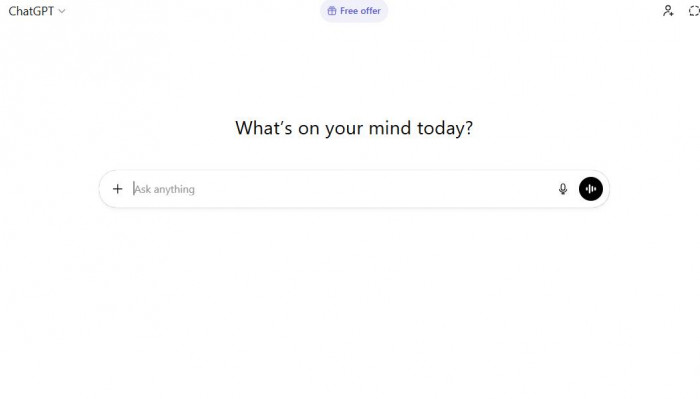
ChatGPT is an AI writing and brainstorming assistant that helps creators generate ideas, scripts, outlines, captions, and full articles.(ChatGPT)
Best for
1. Bloggers
2. YouTubers
3. Social media managers
4. Marketers
5. Beginners
Key Features
1. Content idea generation
2. Script writing
3. Caption creation
4. Blog drafting
5. Content repurposing
Real-World Use Cases
1. Writing YouTube scripts
2. Generating TikTok hooks
3. Creating email newsletters
4. Brainstorming viral content ideas
Pros
1. Extremely versatile
2. Fast content generation
3. Beginner friendly
4. Works for many niches
Cons
1. Needs human editing
2. Can sound generic if not prompted well
3. Not a full publishing tool
2. Canva (Magic Studio)
What it does
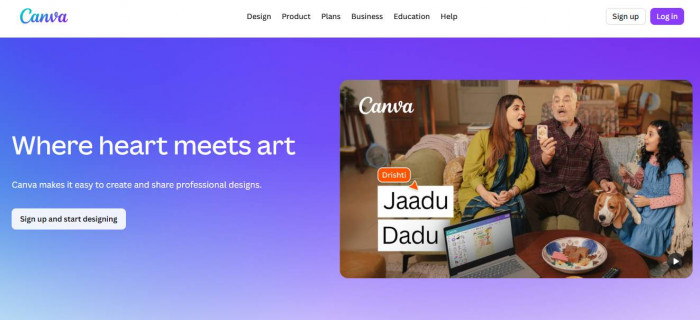
Canva is an AI design platform that helps creators produce thumbnails, social posts, presentations, and short videos.(Canva)
Best for
1. Social media creators
2. Bloggers
3. Small businesses
4. Beginners
Key Features
1. Magic Design AI
2. Text-to-image
3. AI video creation
4. Thumbnail templates
5. Brand kits
Real-World Use Cases
1. YouTube thumbnails
2. Instagram posts
3. Pinterest pins
4. Faceless TikTok videos
Pros
1. Very easy to use
2. Huge template library
3. Great free plan
4. All-in-one design tool
Cons
1. Limited advanced editing
2. Not ideal for heavy video work
3. Many templates look similar
3. CapCut
What it does
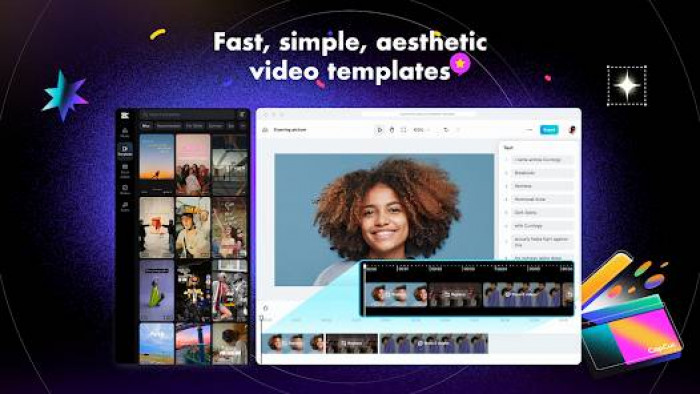
CapCut is an AI video editor popular with TikTok and short-form creators. It simplifies editing, captions, and trend-based videos.
Best for
1. TikTok creators
2. Reels creators
3. YouTubers (shorts)
4. Beginners
Key Features
1. Auto captions
2. AI script-to-video
3. Trend templates
4. Background removal
5. One-click social export
Real-World Use Cases
1. TikTok edits
2. Instagram Reels
3. YouTube Shorts
4. Quick talking-head videos
Pros
1. Free and beginner friendly
2. Fast editing workflow
3. Great for trends
4. Mobile + desktop
Cons
1. Limited pro-level controls
2. AI accuracy varies
3. Heavy users may outgrow it
4. Opus Clip
What it does
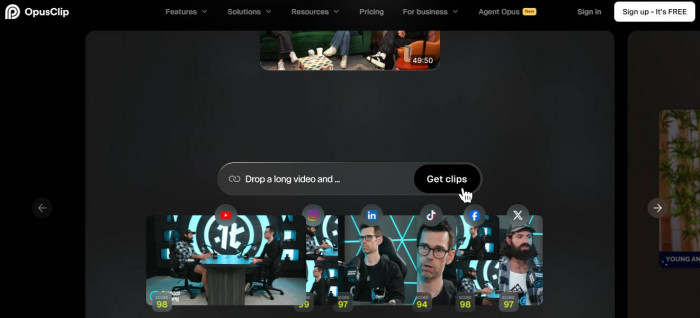
Opus Clip uses AI to turn long videos into multiple short viral clips automatically.(Opus Clip)
Best for
1. Podcasters
2. YouTubers
3. Agencies
4. Personal brands
Key Features
1. AI viral clip detection
2. Auto reframing (vertical)
3. Smart captions
4. Highlight extraction
5. Batch clipping
Real-World Use Cases
1. Repurposing podcasts
2. Turning webinars into Shorts
3. Creating TikTok batches
4. Scaling short-form content
Pros
1. Massive time saver
2. Excellent for repurposing
3. Beginner friendly
4. Good caption styling
Cons
1. Credit-based pricing
2. Less control over edits
3. Not for original filming
5. Descript
What it does
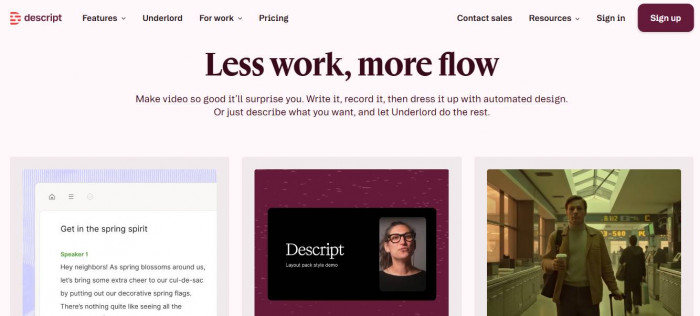
Descript is an AI video and audio editor that lets you edit video by editing text.(Descript)
Best for
1. Educators
2. Podcasters
3. Talking-head creators
4. Course creators
Key Features
1. Text-based video editing
2. AI voice cloning
3. Filler word removal
4. Studio sound cleanup
5. Screen recording
Real-World Use Cases
1. Podcast editing
2. Talking-head TikToks
3. Course recordings
4. Interview cleanup
Pros
1. Unique editing workflow
2. Excellent audio tools
3. Professional output
4. Saves editing time
Cons
1. Learning curve
2. Not TikTok-first
3. Can be slow to render
6. VEED.io
What it does
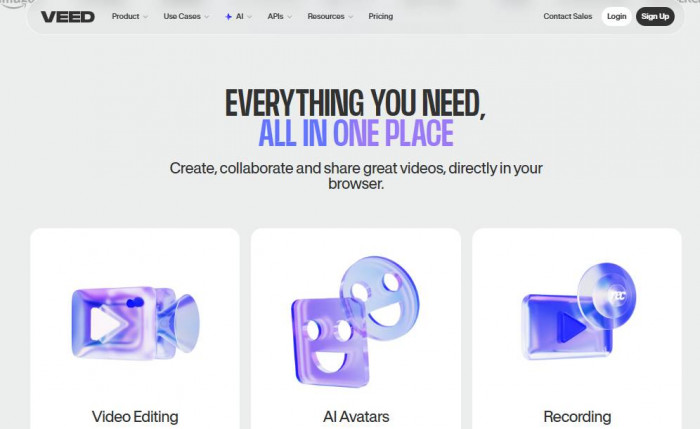
VEED.io is a browser-based AI video editor focused on quick social media production.(VEED.io)
Best for
1. Social media managers
2. Agencies
3. Marketing teams
4. Beginners
Key Features
1. Auto subtitles
2. AI voice generator
3. Video resizing
4. Templates
5. Noise removal
Real-World Use Cases
1. Captioned social videos
2. Marketing promos
3. Explainer videos
4. Client content
Pros
1. No download needed
2. Strong subtitle engine
3. Easy to use
4. Good for teams
Cons
1. Watermark on free plan
2. Can get expensive
3. Limited deep editing
7. Runway
What it does
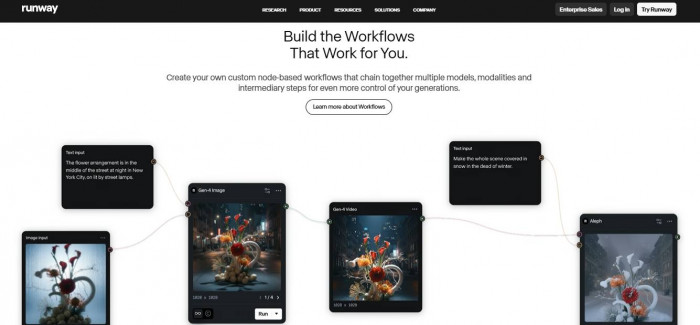
Runway is an advanced AI video generation platform that allows creators to generate and edit videos using AI.(Runway)
Best for
1. Advanced creators
2. Creative agencies
3. AI filmmakers
4. Experimental content
Key Features
1. Text-to-video
2. AI background removal
3. Motion tracking
4. Image-to-video
5. Creative effects
Real-World Use Cases
1. AI cinematic clips
2. Creative TikTok content
3. Experimental ads
4. Visual storytelling
Pros
1. Cutting-edge AI
2. High-quality output
3. Unique creative tools
4. Powerful generation
Cons
1. Not beginner friendly
2. Requires experimentation
3. Paid tiers add up
8. Notion AI
What it does
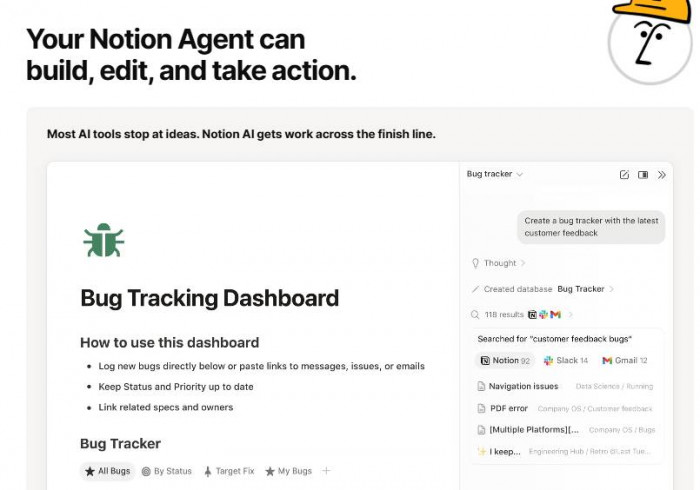
Notion AI helps creators organize, plan, and generate content inside their workspace.(Notion AI)
Best for
1. Bloggers
2. Content planners
3. Agencies
4. Teams
Key Features
1. AI writing assistant
2. Content planning
3. Summaries
4. Brainstorming
5. Workflow management
Real-World Use Cases
1. Content calendars
2. Blog outlines
3. Research summaries
4. Team collaboration
Pros
1. Great for planning
2. Clean workspace
3. Helpful summaries
4. Good for teams
Cons
1. Not a full writing tool
2. Requires Notion setup
3. Limited creative output
How Creators Use AI to Scale Faster
Smart creators combine multiple tools into a workflow:
Typical modern stack:
1. Idea generation → ChatGPT
2. Script writing → ChatGPT / Notion AI
3. Video creation → CapCut or Descript
4. Clip repurposing → Opus Clip
5. Thumbnails & graphics → Canva
6. Advanced visuals → Runway
This workflow can reduce production time by 50–80 percent.
Final Thoughts
AI tools are no longer optional for serious content creators. They are now part of the modern creator toolkit.
Used correctly, these tools help you:
1. Save hours every week
2. Post more consistently
3. Improve content quality
4. Scale across platforms
5. Focus more o n creativity
Simple recommendations:
1. Beginners → Canva + CapCut + ChatGPT
2. YouTubers & podcasters → Opus Clip + Descript
3. Marketers & teams → VEED + Notion AI
4. Advanced creators → Runway
The creators who win in 2026 will not be the ones who work the hardest. They will be the ones who build the smartest AI-powered workflows.